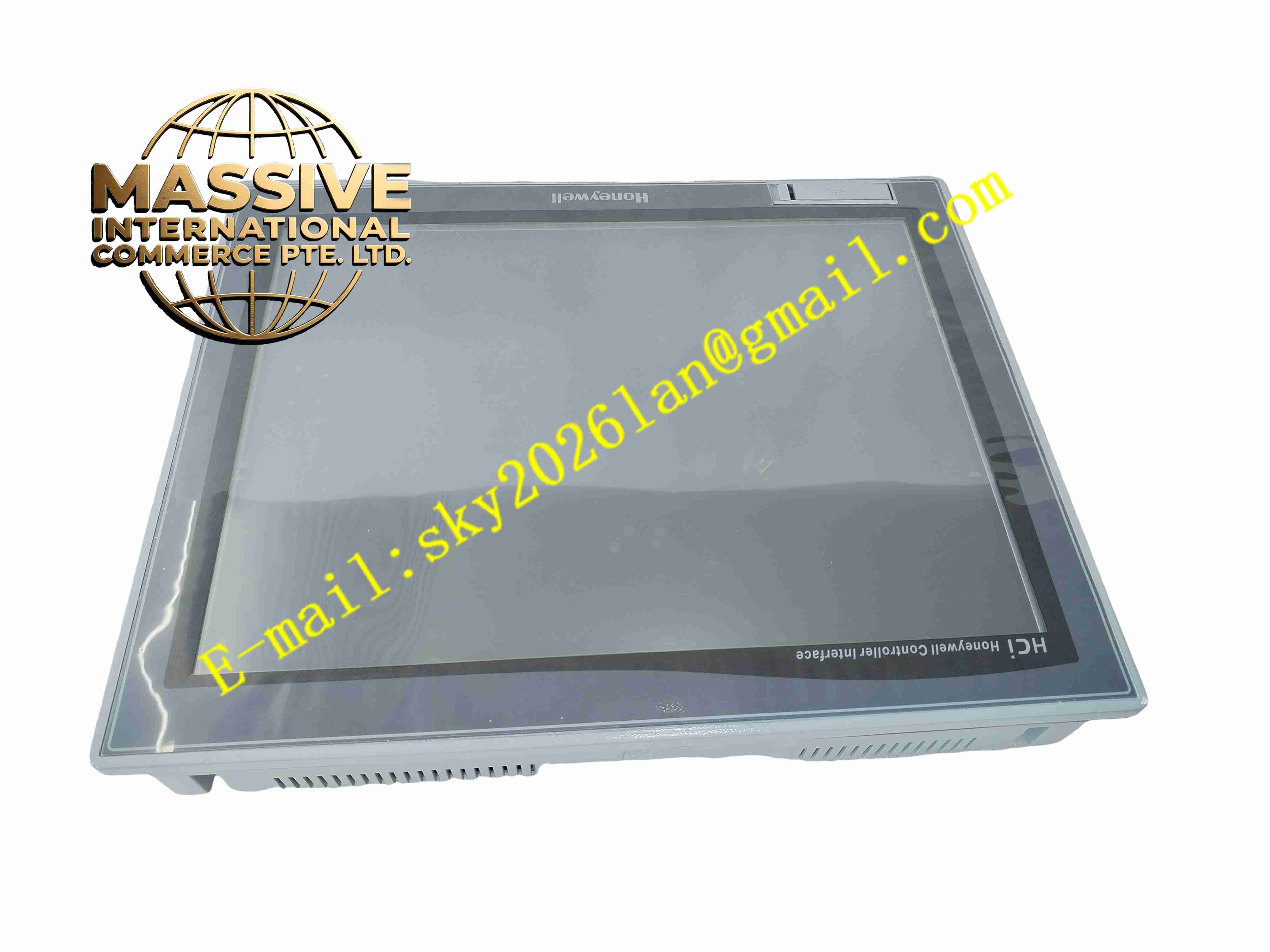
Description
Honeywell HCIX15-TE-FA-NC
Technical Specifications
- Product Type: Industrial Touchscreen HMI Operator Panel
- Display Size: 15-inch TFT LCD
- Screen Resolution: 1024 × 768 pixels
- Touch Type: Resistive industrial touchscreen
- Power Supply: 24 V DC, 10 V DC to 32 V DC wide input range
- Power Consumption: 25 W maximum
- Communication Interfaces: Ethernet TCP/IP, RS232, RS485, USB
- Supported Protocols: Modbus RTU, Modbus TCP, BACnet, Profinet, Honeywell proprietary control protocol
- Mounting Type: Panel flush mounting, VESA mounting optional
- Front Panel Protection Rating: IP66
- Operating Ambient Temperature: -10 °C to +50 °C
- Storage Temperature: -20 °C to +70 °C
- Relative Humidity: 5 % to 90 %, non-condensing
- Certifications: CE, UL 508, RoHS
- Weight: 5.5 kg
Functional Features
- Real-time display of process variables, setpoints, equipment status and alarm messages.
- Operator input function for modifying setpoints, acknowledging alarms and triggering manual control actions.
- Historical trend curve recording and review for continuous process monitoring.
- Multi-level user password management to restrict operation authority for different personnel.
- USB port supports project backup, restore and offline data export.
- Ethernet and serial multi-channel communication connect to multiple PLC and DCS controllers simultaneously.
- Brightness adjustable LED backlight adapts to different on-site lighting conditions.
- Built-in non-volatile memory stores HMI project files and historical event logs.
- Front panel sealing prevents dust and liquid splash damage during normal cabinet installation.
- Automatic communication fault detection shows offline alarm when link to controller breaks.
Application Scenarios
- Petrochemical DCS local operation station
- Power plant boiler auxiliary control cabinet operator panel
- Water treatment plant process monitoring and operation
- Pharmaceutical batch production control system
- Building management and HVAC control system
Material Composition
- Front bezel: Aluminium alloy with anti-corrosion coating
- Display window: Scratch-resistant polycarbonate transparent panel
- Touch layer: Resistive touch film with industrial abrasion resistance
- Main PCB: FR4 printed circuit board with conformal coating
- Processor: Industrial ARM microprocessor
- Memory components: Industrial flash memory and RAM chips
- Rear housing: Flame-retardant ABS plastic
- Sealing gasket: EPDM rubber for IP66 front sealing
Structural Characteristics
- Flat rectangular panel structure designed for cabinet door flush installation.
- Front panel fully sealed with rubber gasket to achieve IP66 ingress protection.
- Rear housing integrates communication ports, power terminal and USB connectors.
- Internal circuit separates low-voltage signal circuit and power supply circuit.
- Rear clamp locking mechanism fixes panel into cabinet cutout without extra mounting brackets.
- Passive convection cooling design without built-in fan.
Working Principle After power on, HCIX15-TE-FA-NC runs the HMI runtime project. It establishes communication connection with the host controller via Ethernet or serial port. The panel continuously reads real-time process data and updates graphical display on the touch screen. When operator touches the screen, the touch controller captures coordinate signals and converts them into operation commands. These commands transmit to the connected controller to adjust setpoints or trigger control actions. The panel records alarm events and historical trend data into local memory, and triggers visual alarm indication when process variables exceed preset limits.
Installation Requirements
- Prepare standard cabinet panel cutout according to official dimension drawing.
- Insert HMI unit from front side of cabinet door and fasten rear mounting clamps evenly.
- Use shielded twisted pair cable for serial communication wiring.
- Route Ethernet cable separated from high-power motor cables.
- Connect 24 V DC power supply and protective earth wire to cabinet ground bar.
- Complete gasket inspection to ensure front panel sealing integrity.
- Download HMI project and verify communication connection with controller after wiring.
- Perform touch screen calibration before commissioning.
Usage Notes
- Do not use sharp hard objects to press the touch screen surface.
- Keep front panel gasket intact to maintain IP66 protection performance.
- Disconnect power supply before replacing the panel or modifying wiring.
- Backup HMI project file before firmware upgrade or project modification.
- Avoid continuous exposure to strong corrosive gas and oil mist.
- Use anti-static wristband when handling internal circuit components.
- Replace unit immediately when permanent touch failure or display hardware damage occurs.