Description
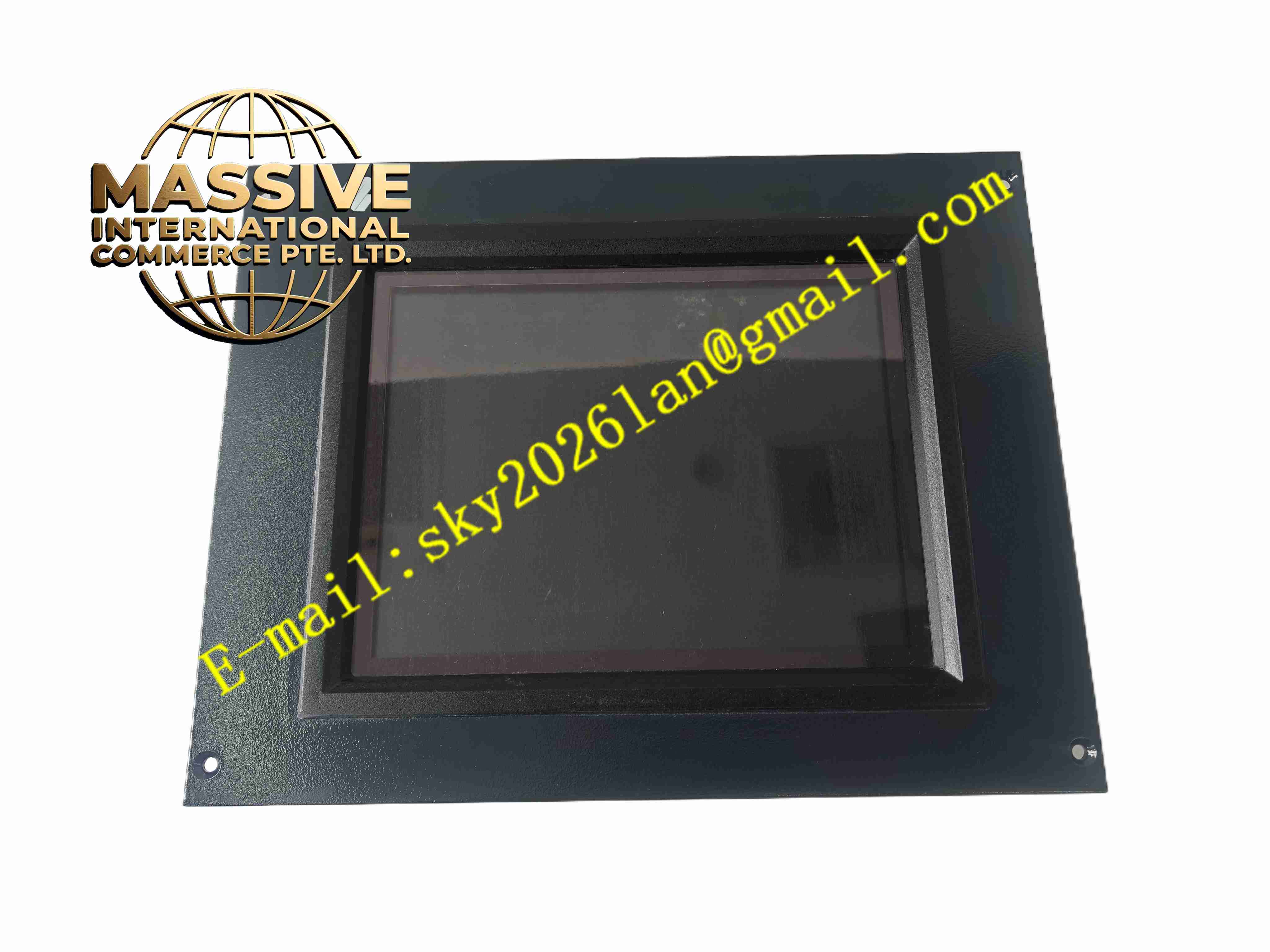
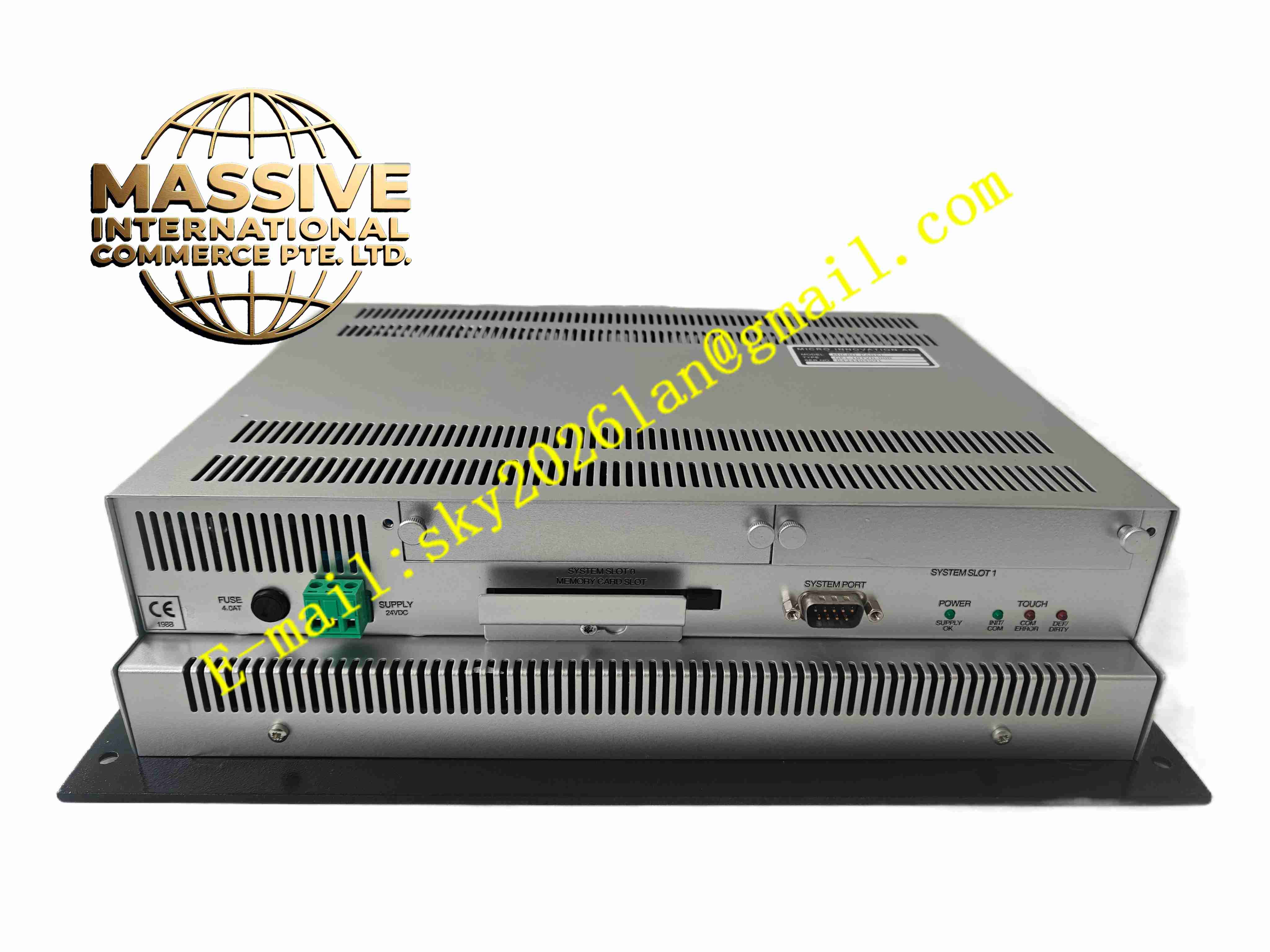
MICRO INNOVATION GF1-10TVD-000
Technical Specifications:
- Display Size: 10.4 inch TFT LCD with LED backlight
- Resolution: 800 × 600 SVGA
- Display Brightness: 300 cd/m² typical
- Touch Type: 4-wire resistive touch screen, supports glove operation
- Front Panel Protection: IP65
- Power Supply: DC 24 V ±10%
- Typical Power Consumption: ≤15 W
- Communication Ports: RS232, RS485, USB host and device port
- Operating Temperature: 0 °C to +50 °C; wide-temperature variant covers -10 °C to +60 °C
- Storage Temperature: -20 °C to +70 °C
- Relative Humidity: 10% to 90%, non-condensing
- Mounting Method: Panel cutout installation
- Certification: CE, EMC industrial compliance
Function Features:
- Real-time graphical display of process values, bar graphs and trend curves
- Resistive touch input for equipment start, stop and parameter adjustment
- Built-in alarm management module with alarm logging and message pop-up
- Multi-level user password management to restrict unauthorized parameter modification
- Native communication compatibility with mainstream PLC brands
- USB port for program upload, download and historical data export
- LED backlight adjustable for brightness to adapt different lighting conditions
- Conformal coating on internal PCB for anti-moisture and anti-corrosion protection
- Support multi-language interface switching for global factory deployment
Application Scenarios:
- Packaging machinery operation and monitoring
- Plastic injection molding machine control cabinet
- Chemical auxiliary skid local operation panel
- Food and beverage production line visualization
- Water treatment plant local control station
- General factory automation equipment HMI replacement
Material Composition:
- Front Bezel: Flame retardant reinforced plastic
- Display Cover: Transparent scratch-resistant protective film
- Main PCB: Multilayer FR4 fiberglass printed circuit board with conformal coating
- Touch Layer: Resistive touch film and glass substrate
- Rear Housing: Reinforced plastic enclosure
- Connectors: Copper alloy screw terminals and USB metal connectors
- Passive Components: Industrial grade resistors, capacitors and surge suppression diodes
Structural Features:
- Flat rectangular panel cutout design for cabinet front installation
- Sealing gasket installed between front bezel and cabinet panel to achieve IP65 front protection
- Rear compartment contains communication ports, power terminals and USB interface
- Internal metal shielding frame reduces electromagnetic interference
- Quick-release mounting clips on rear side for fast installation and removal
- Front panel printed with model marking and safety warning labels
Working Principle: The embedded processor of GF1-10TVD-000 communicates with PLC or controller via serial bus. It receives real-time register data, converts data into graphical display content on LCD screen. Touch sensor captures touch coordinates and transfers operation commands to the internal processor. The processor sends corresponding write commands to the connected controller. Alarm events are stored in non-volatile flash memory. Historical data and project files can be exported to USB storage device.
Installation Requirements:
- Cut control cabinet panel according to specified cutout dimension
- Insert HMI from cabinet front and fasten rear mounting clips
- Use shielded twisted pair cable for RS232/RS485 communication wiring
- Separate signal cables from high-power motor cables
- Connect DC24V power supply and protective earth
- Keep ambient temperature within 0 °C to +50 °C
- Avoid installation position with direct strong sunlight and heavy mechanical vibration
Usage Notes:
- Download the correct HMI project program before power commissioning
- Verify communication parameter matching between HMI and PLC
- Protect front touch glass from sharp object scratching
- Disconnect power supply before opening rear housing cover
- Clean touch panel with soft dry cloth only, do not use corrosive solvent
- Backup project files regularly to USB storage media
- Inspect front sealing gasket during shutdown maintenance to prevent water and dust ingress