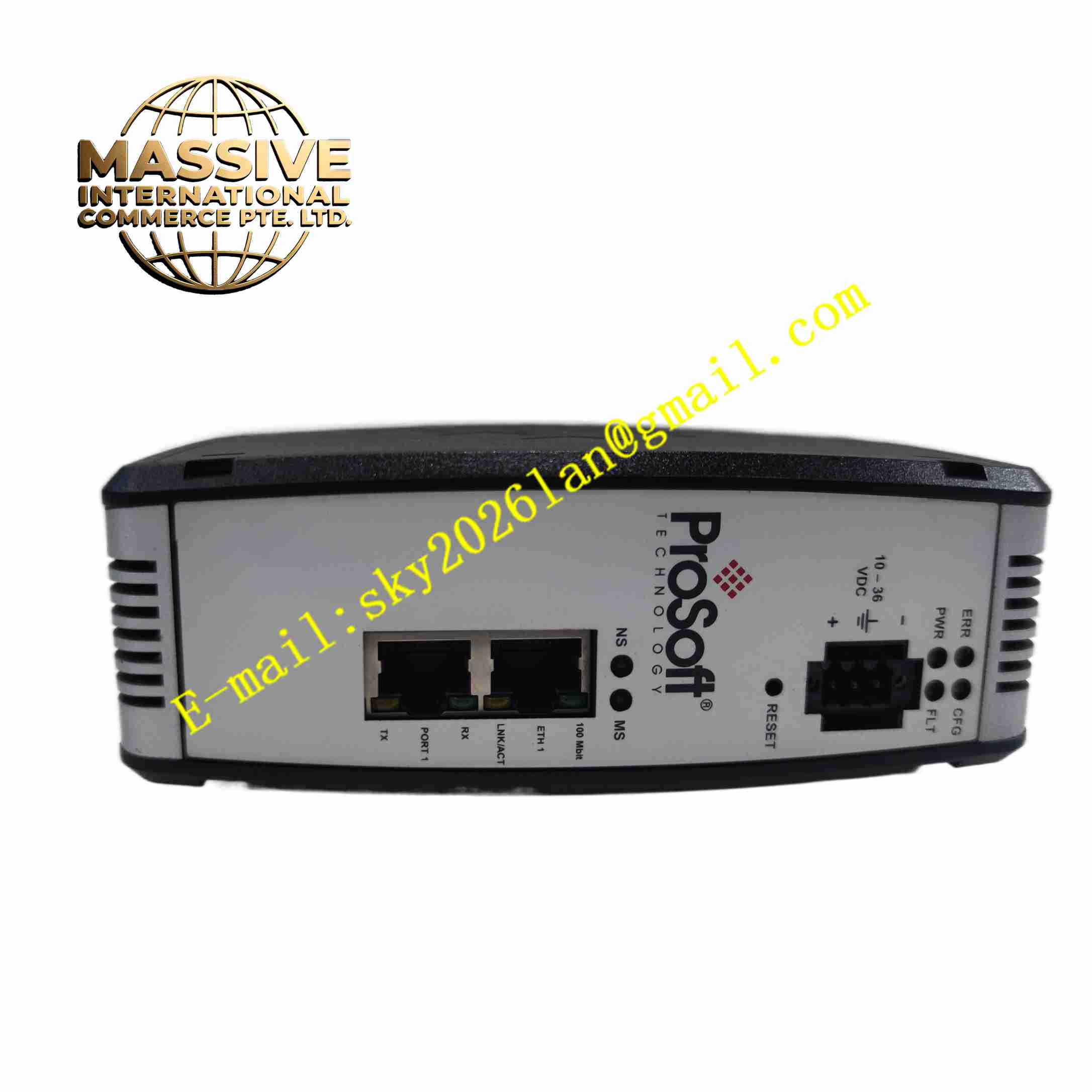
Description
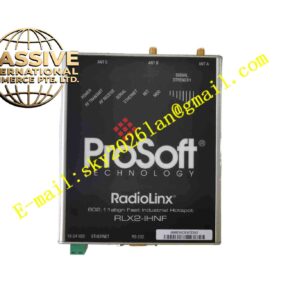
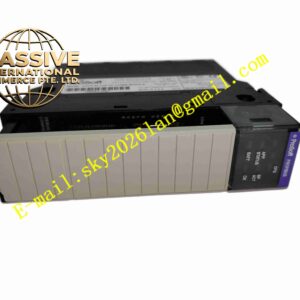
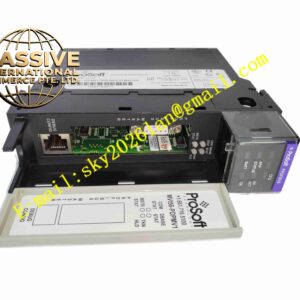
ProSoft Technology PLX31-EIP-ASCII
Technical Specifications
- Brand: ProSoft Technology
- Product Family: PLX30 Series
- Model: PLX31-EIP-ASCII
- Function: EtherNet/IP to ASCII serial gateway
- Ethernet Interface: 10/100 Mbps auto-sensing Ethernet port
- EtherNet/IP Support: Class 1 I/O connections and Class 3 messaging
- Supported Controllers: ControlLogix, CompactLogix, and other EtherNet/IP PACs
- Message Support: PCCC and CIP messaging
- Class 3 Server Connections: 5
- Class 1 I/O Connections: 2
- I/O Connection Size: 248/248
- Maximum RPI: 5 ms per connection
- ASCII Serial Interface: RS-232 or RS-485 depending on configuration
- Transmit Buffer: Up to 255 bytes per transmit string
- Transmit Character Delay: 0 to 65,535 ms configurable
- Command List: Up to 100 commands per client
- Supported Command Sets: PLC-2/PLC-3/PLC5 basic, PLC5 binary, PLC5 ASCII, SLC500
- Power Supply: 10 to 36 V DC, 24 V DC nominal
- Configuration Software: ProSoft Configuration Builder
- Discovery Tool: ProSoft Discovery Service
- SD Card Slot: Supported for configuration backup depending on hardware revision
- Mounting: DIN rail
Functional Features
- EtherNet/IP Integration: Connects directly to EtherNet/IP PACs as an adapter device.
- ASCII Serial Communication: Sends and receives ASCII strings with configurable delimiters and timing.
- Bidirectional Data Exchange: Transfers data between PLC tags and ASCII devices.
- Configurable Command List: Supports up to 100 commands per client.
- Data Prioritization: Allows different RPI settings for status and control data.
- Embedded EDS File: Simplifies integration with Rockwell Automation software.
- Remote Configuration: Configured and diagnosed over Ethernet.
- SD Card Backup: Stores configuration files for recovery when supported.
Application Scenarios
- Industrial weighing scales
- Barcode and QR code scanners
- Serial printers and labelers
- Process analyzers with ASCII output
- Legacy instrument integration
- Manufacturing data collection
- Food and beverage production lines
- Oil and gas field instrumentation
Performance Parameters
- Ethernet Speed: 10/100 Mbps
- I/O Connections: Up to 2 Class 1 connections
- Class 3 Server Connections: 5
- Maximum RPI: 5 ms per connection
- I/O Data Size: 248 bytes input and 248 bytes output
- ASCII Transmit Buffer: 255 bytes
- Command Capacity: 100 commands per client
- Power Range: 10 to 36 V DC
Material Composition
- Housing: Industrial plastic enclosure
- PCB Assembly: Ethernet controller, serial interface, and gateway processor
- Ethernet Port: RJ45 connector
- Serial Port: RS-232/RS-485 terminal or connector depending on variant
- Power Terminal: Removable DC power connector
- SD Card Slot: Available on supported hardware versions
Structural Features
- DIN Rail Mounting: Installs directly in control cabinets.
- Compact Standalone Design: Does not require a PLC chassis.
- Front or Side Connectors: Provides access to Ethernet, serial, and power connections.
- Status LEDs: Indicates power, network, serial communication, and module status.
- Configurable Serial Interface: Supports RS-232 or RS-485 connections.
- Service-Friendly Layout: Allows easy wiring and diagnostics.
Working Principle
The gateway maps data between EtherNet/IP tags and ASCII serial commands. The EtherNet/IP controller sends or receives data through Class 1 I/O or Class 3 messages. The gateway converts these data values into ASCII strings and transmits them to the serial device. Incoming ASCII responses are parsed and returned to the controller as structured data. Transmit delays, terminators, and command sequences are configured in ProSoft Configuration Builder.
Installation Requirements
- Install the gateway on a DIN rail inside a control cabinet.
- Supply 10 to 36 V DC power.
- Connect the Ethernet port to the EtherNet/IP network.
- Wire the serial port according to the connected device interface.
- Configure IP address, serial parameters, and command lists in ProSoft Configuration Builder.
- Assign EtherNet/IP connection parameters in the PLC project.
- Verify LED status after power-up and configuration download.
Precautions for Use
- Match serial baud rate, parity, stop bits, and delimiters to the target device.
- Avoid exceeding the transmit buffer and command list limits.
- Use shielded cables for RS-485 connections in noisy environments.
- Confirm whether the installed hardware supports SD card backup.
- Keep Ethernet and serial wiring separated from high-voltage power cables.
- For exact serial pinouts, power consumption, and environmental ratings, refer to the official PLX31-EIP-ASCII manual.