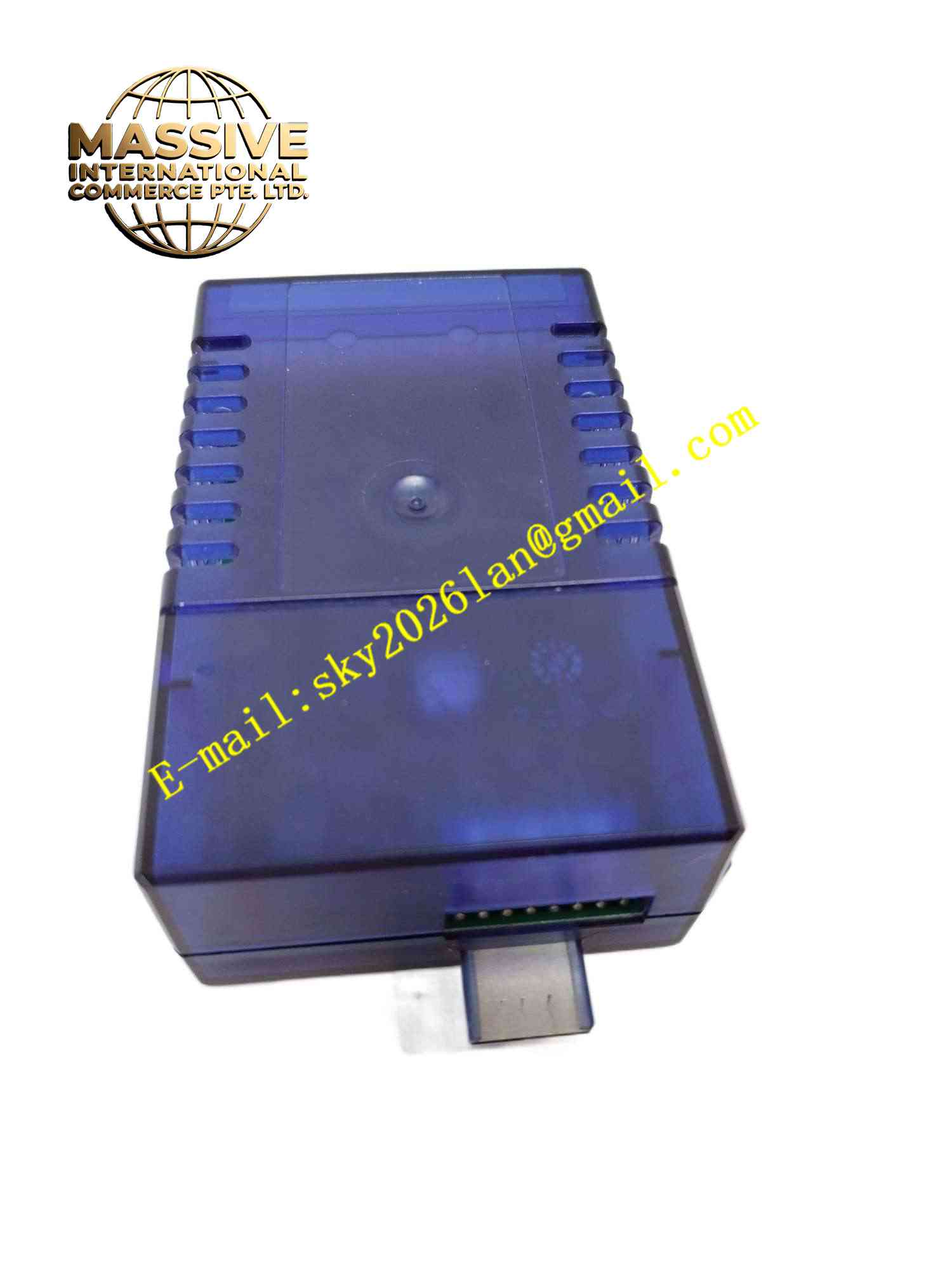
Description
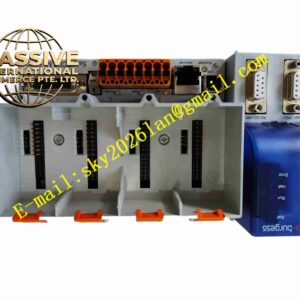
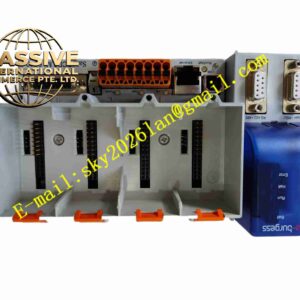
SAIA PCD3.T760
Technical Specifications: Display size: 7 inch TFT color touch screen Display resolution: 800 × 480 pixels Touch type: Resistive touch panel Power supply: 24 VDC Communication ports: Ethernet, RS485 serial port Supported protocol: S-Bus, Modbus RTU, Modbus TCP Storage: Onboard flash memory for project storage Operating temperature range: 0℃ ~ +50℃ Storage temperature range: -20℃ ~ +70℃ Relative humidity: 5% to 90%, non-condensing Mounting method: Cabinet door flush mounting Front panel protection grade: IP65
Functional Features: Custom graphic visualization pages edited via SAIA HMI configuration software. Real-time data display of PLC variables, including temperature, pressure, flow and switch status. Historical trend curve recording for continuous parameter monitoring. Alarm logging function with time-stamped fault messages and alarm acknowledgement. Multi-level user password access control to restrict parameter modification authority. Recipe management for saving and switching multiple production or operation parameter sets. Manual control buttons for local manual override of field equipment. Front panel LED status indicator for power and communication link status. Automatic reconnection function when communication link with PLC recovers after interruption.
Application Scenarios: HVAC cabinet local operation panel, pumping station control room HMI, packaging machine local operator terminal, water treatment plant local monitoring, commercial building energy control cabinet, refrigeration unit operation interface.
Performance Parameters: Smooth touch response under continuous daily operation. Stable real-time data refresh rate for live process values. Onboard non-volatile memory retains HMI project and historical alarm records after power loss. 24-hour continuous operation within rated temperature range. Reliable communication reconnection after temporary bus interruption.
Material Composition: Front overlay: Polyester scratch-resistant protective film. Display panel: TFT LCD module with resistive touch layer. Housing: Black flame retardant ABS plastic front frame. Main PCB: Multi-layer FR4 glass fiber epoxy printed circuit board. Communication connectors: PA66 plastic connectors with gold-plated contact pins. Sealing gasket: Elastic silicone rubber gasket for front panel IP65 sealing.
Structural Features: Rectangular flush mounting panel structure for cabinet door cutout installation. Front side consists of touch layer, LCD display and protective film. Rear housing contains main control PCB, communication ports and mounting latches. Silicone sealing gasket installed between front frame and cabinet door surface. Rear side equipped with Ethernet port, RS485 terminal block and 24VDC power connector. Four plastic locking latches for fastening panel onto cabinet door.
Working Principle: 24VDC power supplies the HMI panel hardware. After power on, the panel loads pre-downloaded HMI project stored in onboard flash memory. The communication module establishes connection with PCD3 PLC controller via Ethernet or RS485 bus. HMI continuously reads real-time variable data from PLC memory and refreshes graphic display pages. When operator touches screen buttons, touch signal is converted into digital command, which is transmitted to PLC to modify setpoints or trigger manual control actions. Alarm data and trend samples are stored into local non-volatile memory. When communication link is lost, the panel displays communication fault warning message.
Installation Requirements: Cut off 24VDC power supply before installation. Cut matching rectangular opening on cabinet door and insert PCD3.T760 panel from front side. Fasten four rear mounting latches to lock panel tightly against cabinet door. Connect 24VDC power cable and communication cable to rear connectors. Download compiled HMI project to panel via configuration software. Set communication parameters to match connected SAIA PCD3 PLC address and protocol. Ensure silicone gasket is fully seated to maintain IP65 front panel sealing. Ground HMI panel protective earth terminal reliably.
Usage Notes: Do not use sharp hard objects to scratch touch screen surface. Backup HMI project file before firmware upgrade or project modification. Check gasket integrity periodically to maintain front panel dust and splash protection. Use shielded cable for RS485 communication wiring. Do not operate panel outside rated temperature and humidity range. Clean front panel only with soft dry cloth or mild neutral detergent. Avoid strong impact on touch screen area.