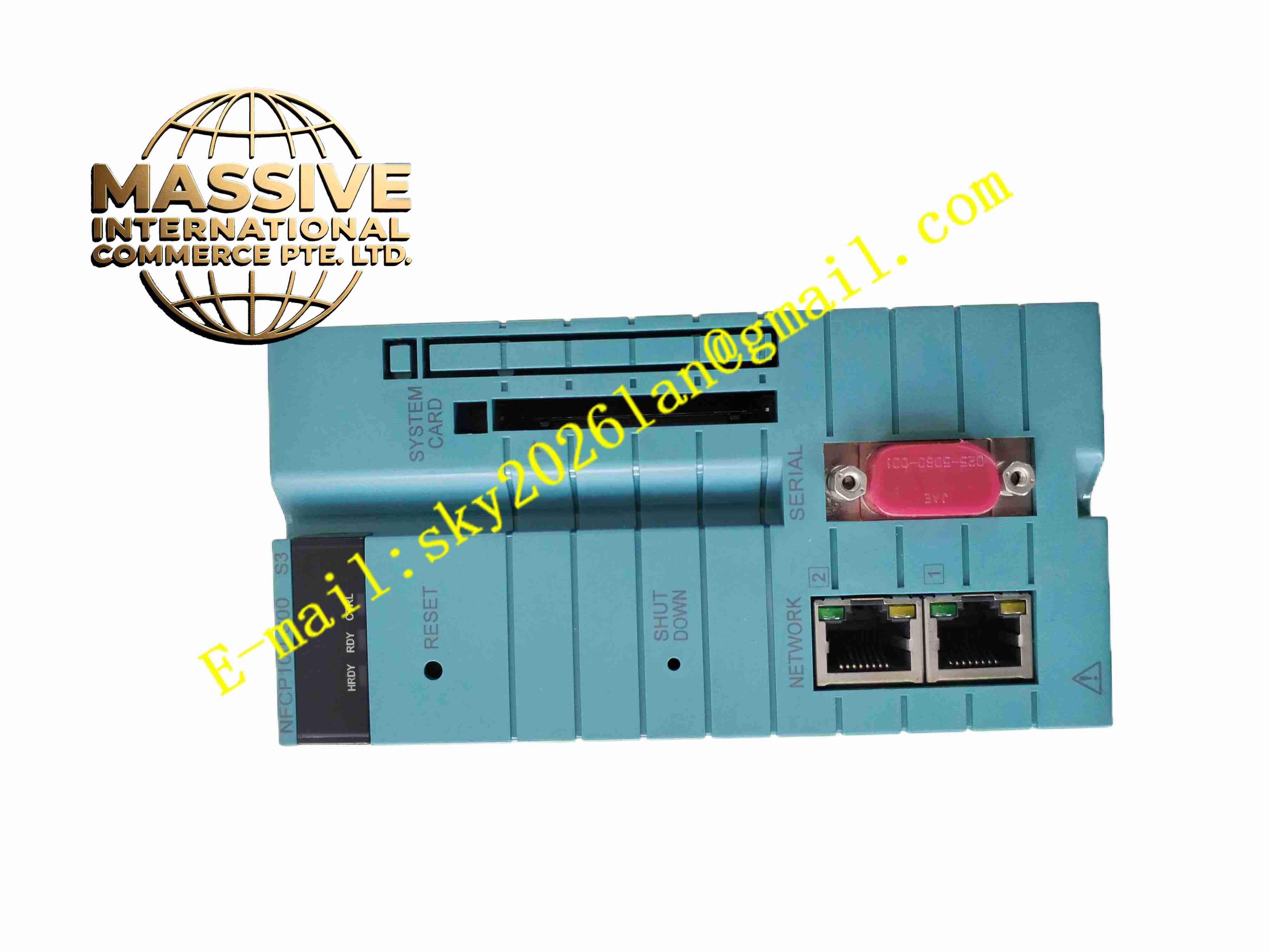
Description
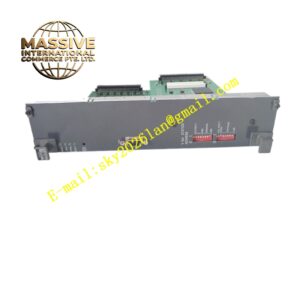
Yokogawa NFCP100-S00 S3
Technical Specifications
- Brand: Yokogawa
- Product Family: FCN-100 Remote I/O System
- Module Type: CPU module
- Model: NFCP100-S00
- Variant: S3
- Function: Control processing, communication handling, and I/O management
- Communication Ports: Ethernet and serial communication ports are supported on FCN-100 CPU modules; exact port count depends on the specific model variant
- Network Role: Acts as a local controller or remote I/O communication node
- System Compatibility: FCN-100 I/O modules, communication modules, and base units
- Product Status: FCN-100 CPU modules are listed as discontinued in some asset databases; verify current support status with Yokogawa
Functional Features
- Local control execution: Runs control logic for connected I/O modules.
- Remote I/O management: Coordinates analog, digital, and communication modules in the FCN-100 rack.
- Ethernet communication: Supports connection to上位 systems, PLCs, or control networks depending on configuration.
- Serial communication: Supports RS-232-C or other serial interfaces on applicable CPU variants.
- Diagnostics: Provides module status, communication status, and fault indication.
- Configuration support: Configured through Yokogawa engineering tools for FCN-100.
- Compact remote controller: Suitable for skid-mounted units and distributed I/O stations.
Application Scenarios
- Remote I/O stations in process plants
- Packaged equipment control
- Utility system monitoring
- Oil and gas field instrumentation networks
- Water and wastewater treatment control panels
- Legacy system maintenance and migration
Performance Parameters
- Processing Role: CPU for remote I/O and control tasks
- Communication Interfaces: Ethernet and serial ports depending on model variant
- I/O Coordination: Manages installed I/O modules
- Scan Performance: Determined by program size, communication load, and system configuration
- Status Indication: LED indicators for run, stop, error, and communication status
- System Integration: Integrates with Yokogawa control systems and third-party controllers via supported protocols
Material Composition
- PCB Assembly: Industrial CPU board with processor, memory, and communication circuits
- Communication Interfaces: Ethernet ports, serial ports, and internal bus interfaces
- LED Indicators: Module status and communication indicators
- Backplane Connector: Connects to the base unit
- Module Housing: Metal and plastic components designed for industrial rack mounting
Structural Features
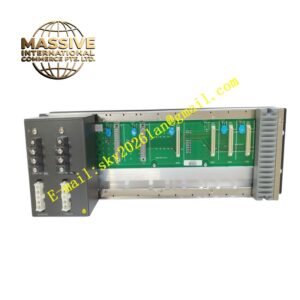
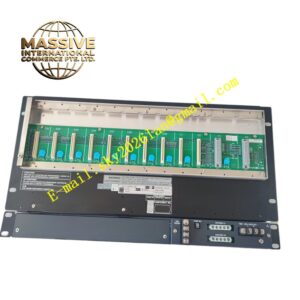
- Installs into an base unit.
- Front-panel indicators: Shows CPU status and communication activity.
- Communication ports: Provides network and serial connectivity.
- Modular architecture: Works with analog, digital, and communication I/O modules.
- Compact remote design: Suitable for distributed control cabinets.
Working Principle
The NFCP100-S00 CPU module executes control programs and manages communication between the system and external networks. It reads input data from connected I/O modules, processes control logic, and writes output data to field devices. Ethernet and serial ports allow data exchange with HMIs, PLCs, DCS systems, or engineering PCs. The module continuously monitors its own status and the status of installed I/O modules, reporting faults and communication errors to the control system.
Installation Requirements
- Install the CPU module in a compatible base unit.
- Verify that the power supply meets system requirements.
- Connect Ethernet and serial cables according to the network design.
- Assign IP addresses, node numbers, and communication parameters before operation.
- Install I/O modules in the correct slots according to the system configuration.
- Download the control program and I/O configuration using the authorized engineering tool.
- Verify LED status and communication links before placing the system into automatic operation.
Precautions for Use
- Confirm the exact capabilities of the S3 variant before commissioning.
- Do not remove the CPU module while the system is running unless approved procedures allow it.
- Back up control programs and configuration data before maintenance.
- Avoid connecting communication cables to incorrect voltage levels.
- Verify network security settings when connecting Ethernet ports to plant networks.
- Treat CPU modules as discontinued in many references; confirm lifecycle status with Yokogawa.
- For exact port configuration, memory size, protocol support, and environmental ratings, refer to the official Yokogawa NFCP100-S00 documentation.