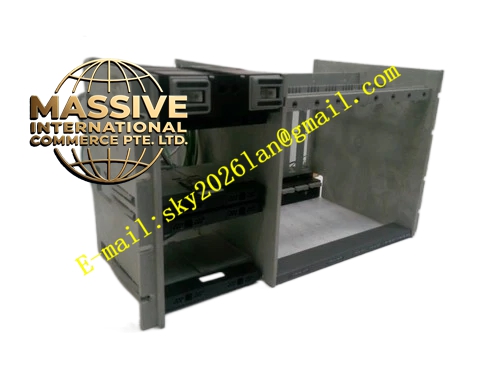
Description
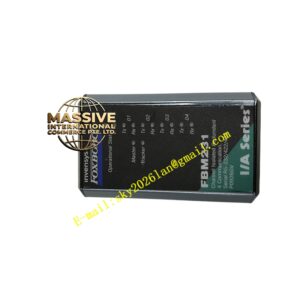
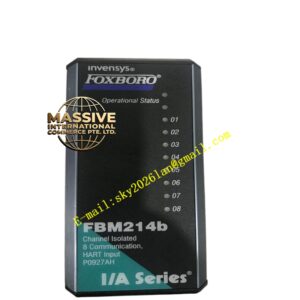
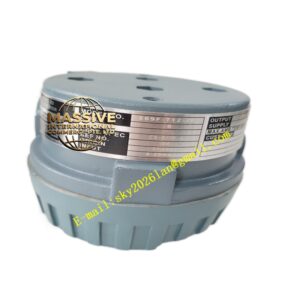
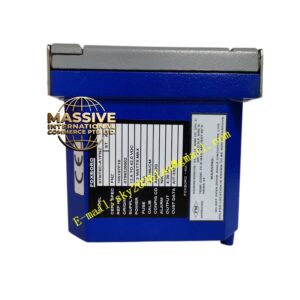
Foxboro p0903nu
Technical Specifications
- Type: Expansion/Interface Module.
- Bus Interface: Compatible with I/A Series backplane and fieldbus.
- Expansion Capacity: Supports additional FBM or remote I/O links.
- Power: 24 VDC backplane power.
Functional Features
- System Expansion: Increases the I/O capacity or communication ports of a control station.
- Protocol Bridging: Enables connection to non-standard or legacy field devices.
- Redundancy Support: Operates in redundant configurations for high availability.
- Plug-and-Play: Auto-configures upon insertion with compatible controllers.
Application Scenarios
Used in system upgrades, brownfield projects integrating legacy equipment, and large-scale plants requiring distributed I/O expansion.
Performance Parameters
- Data Transfer Rate: High-speed backplane communication.
- Reliability: Industrial-grade MTBF.
- Environmental Rating: G3 harsh environment compliant.
Material Composition
Compact enclosure with conformal-coated PCBs for durability in industrial settings.
Structural Characteristics
- Size: Standard single-width FBM form factor.
- Connectors: Backplane and field/interface connectors.
- Indicators: Status and activity LEDs.
Working Principle
The module interfaces with the DCS backplane, translating control commands and field data between the central processor and the expanded I/O or communication subsystems it manages.
Installation Requirements
- Install in accordance with the system expansion planning guide.
- Ensure backplane power capacity supports the additional module.
- Configure expansion parameters in the engineering tool before deployment.
Precautions for Use
- Verify compatibility with the existing controller firmware.
- Do not exceed the maximum expansion limits per controller.
- Follow ESD procedures during installation.