Description
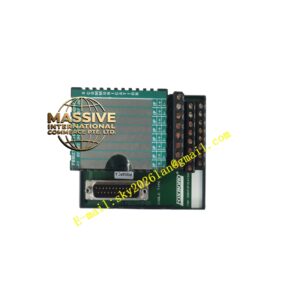
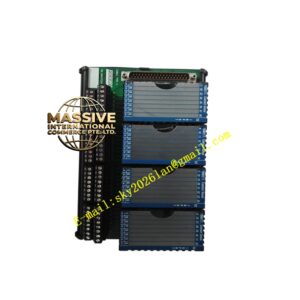
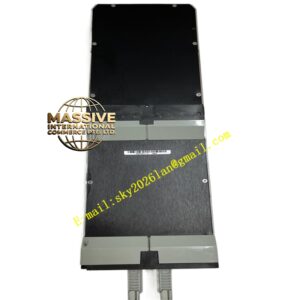
Foxboro PO970BC-DNBI
Technical Specifications
- Product Type: Network Interface Module.
- Network Type: Foxboro redundant Ethernet or proprietary control network.
- Data Rate: 10/100 BaseTX Ethernet.
- Redundancy: Supports dual-homed network connections for high availability.
Functional Features
- High-Speed Communication: Facilitates rapid data exchange with minimal latency for real-time control.
- Network Redundancy: Manages seamless failover between primary and secondary network paths.
- Protocol Support: Handles Foxboro’s proprietary control protocols and standard TCP/IP.
- Diagnostics: Provides detailed network health monitoring, including link status, packet errors, and collision detection.
Application Scenarios
Essential in large-scale distributed control systems where multiple controllers and remote I/O stations must communicate reliably over a shared network backbone.
Performance Parameters
- Latency: Ultra-low, deterministic communication delay.
- MTBF: >150,000 hours.
- Isolation: Galvanic isolation on network ports to prevent ground loops.
Material Composition
Industrial-grade electronic components housed in a shielded metal or conductive plastic enclosure to protect against electromagnetic interference (EMI).
Structural Characteristics
Standard I/A Series module form factor. Front panel features RJ45 Ethernet ports, link/activity LEDs, and network status indicators.
Working Principle
The module acts as a network node, receiving data packets from the backplane, encapsulating them according to the network protocol, and transmitting them over the physical network medium. It also performs the reverse function for incoming data, ensuring data integrity through error checking.
Installation Requirements
Use shielded CAT5e or CAT6 Ethernet cables. Ensure proper grounding of the cable shield at the cabinet side. Connect to redundant network switches for full fault tolerance.
Usage Precautions
- Avoid running network cables parallel to high-voltage power cables.
- Monitor network diagnostics regularly for signs of degradation.
- Ensure the module’s firmware is compatible with the rest of the network.