Description
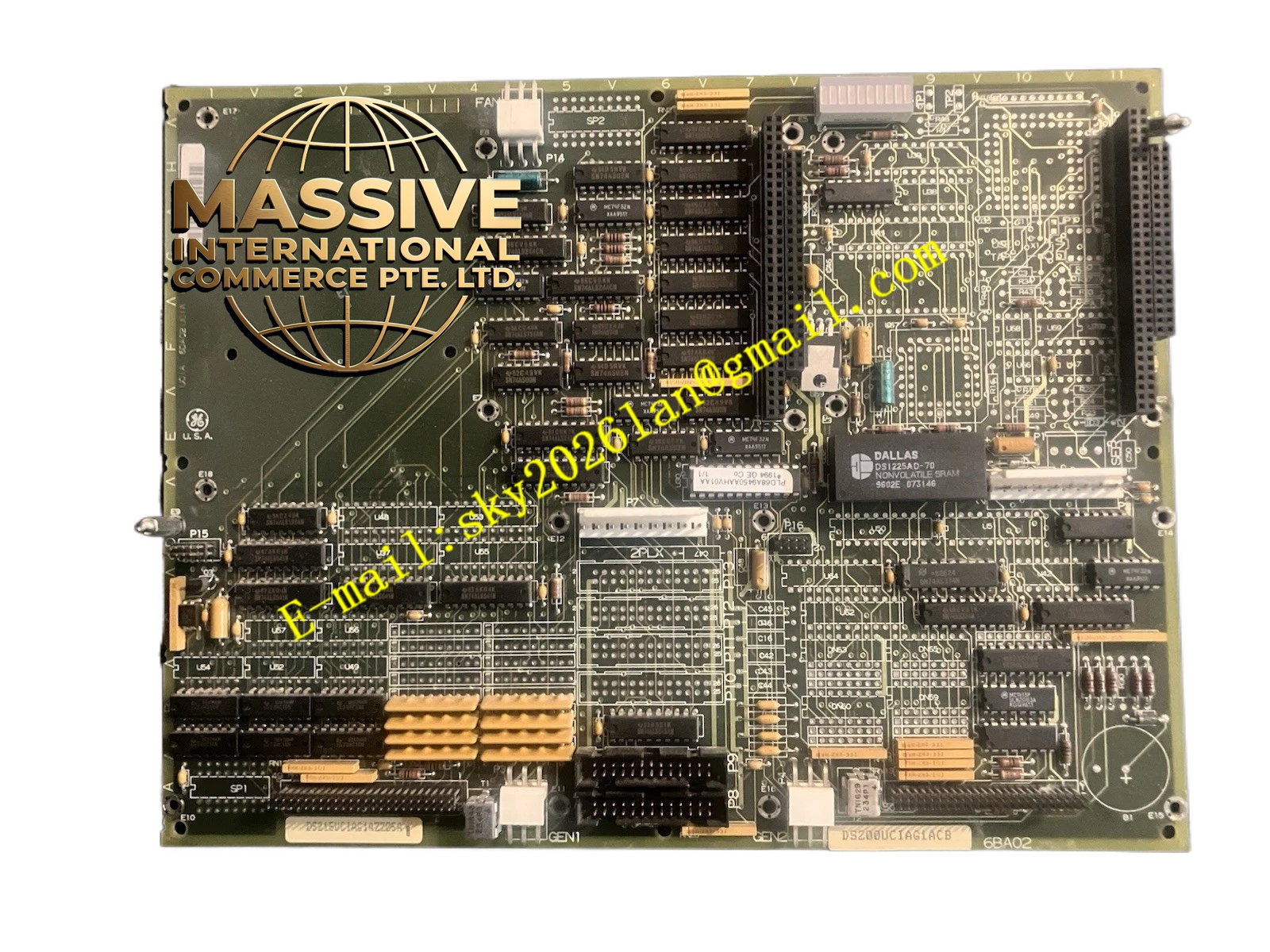
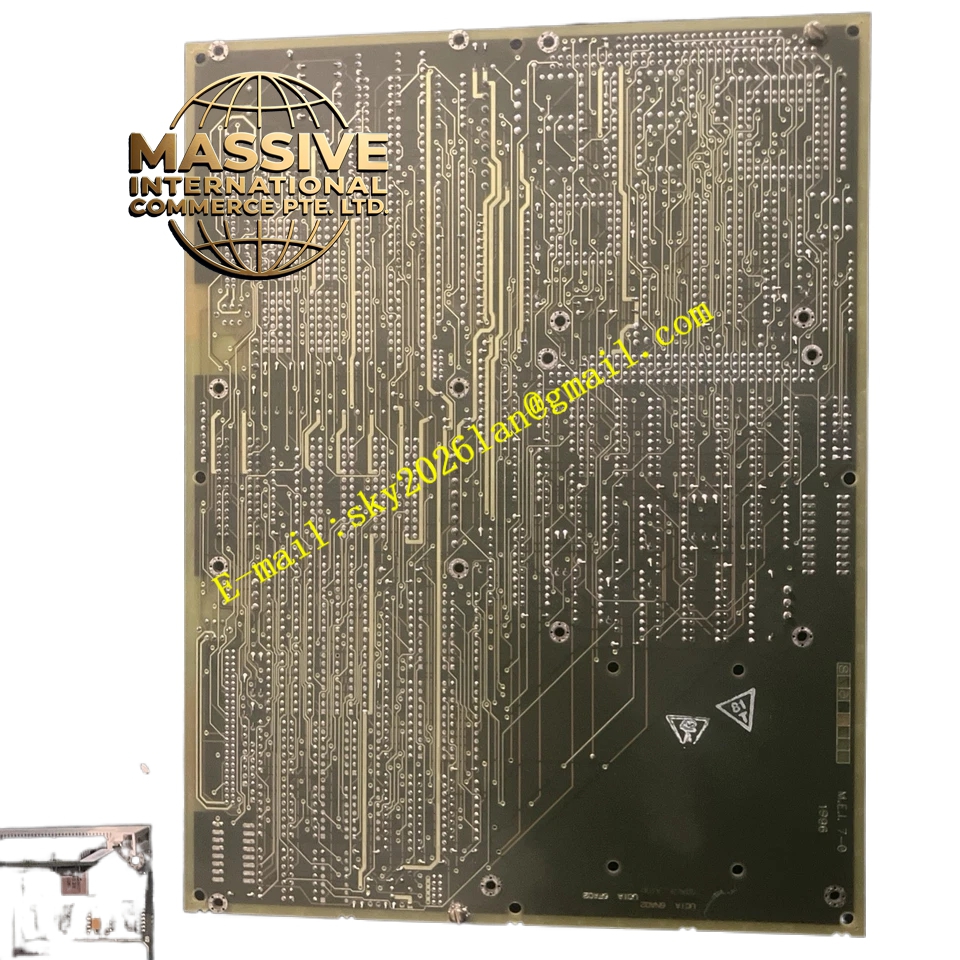
GE DS200UCIAG1ACB
Technical Specifications
- Part Number: DS200UCIAG1ACB
- Board Type: Universal Communication Interface (UCIA)
- System Compatibility: GE Fanuc / GE Industrial Drives
- Network Protocols: Supports proprietary GE protocols and standard industrial fieldbuses
Functional Features
- Data Gateway: Translates internal drive parameters into network-readable data packets.
- Remote Monitoring: Enables real-time tracking of motor speed, torque, temperature, and fault codes.
- Command Reception: Accepts start/stop, speed reference, and configuration commands from a central PLC or DCS.
Application Scenarios
Distributed manufacturing automation, centralized motor control systems, and industrial SCADA integration.
Performance Parameters
- Data Throughput: High-speed serial or Ethernet communication rates.
- Latency: Deterministic, low-latency response for real-time control loops.
Material Composition
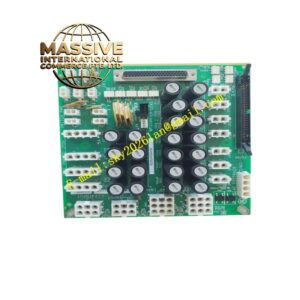
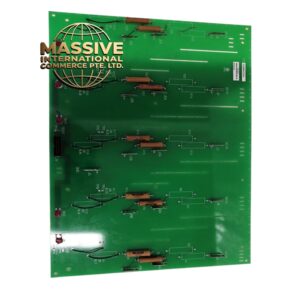
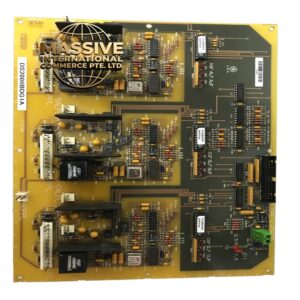
Multi-layer industrial PCB populated with network transceivers, optical isolators, and microprocessors.
Structural Characteristics
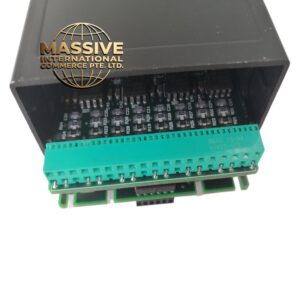
Standard drive card form factor with high-density backplane connectors and front-panel RJ45/DB9/Serial communication ports with link/activity LEDs.
Working Principle
The board continuously polls the drive’s internal data bus, packages the information according to the selected network protocol, and transmits it externally while simultaneously receiving and validating incoming control commands.
Installation Requirements
- Insert securely into the designated communication slot on the drive backplane.
- Use properly shielded network cables to prevent electromagnetic interference.
- Configure the network address and protocol parameters via dip switches or software.
Usage Precautions
- Never connect or disconnect network cables while the drive is powered.
- Ensure proper network termination to prevent signal reflection.
- Handle with strict ESD precautions to protect sensitive communication ICs.