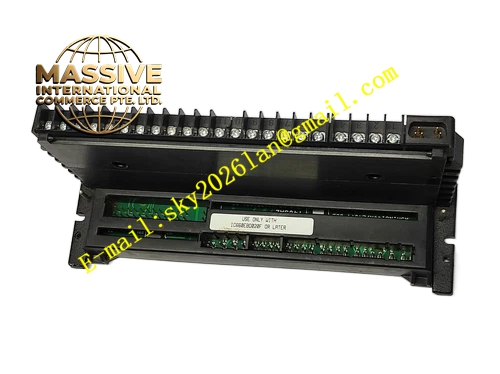
Description
GE IC660TSD020L
Technical Specifications:
- Brand: GE Fanuc / Emerson Automation
- Model: IC660TSD020L
- Product Type: Terminal Block
- Compatible Series: Genius I/O
- Compatible Modules: IC660BBA024 (4-input, 2-output combination analog I/O module)
- Power Supply Voltage: 18-56 VDC
- Nominal Input Voltage: 24 VDC
- Ripple: Max 10%
- Required DC Power: Max 150 mA and 300 mA (depending on configuration)
Functional Features:
- Provides secure connection points for field wiring
- Designed for use with combination analog I/O blocks
- Facilitates easy maintenance and replacement of electronic assemblies
- Robust construction for industrial environments
Application Scenarios:
- Industrial process control systems
- Analog signal acquisition and output
- Integration of Genius I/O modules into control panels
- Manufacturing automation
Performance Parameters:
- Compatibility: Specifically matched for IC660BBA024
- Voltage Range: 18-56 VDC
Material Composition:
- High-strength industrial plastic housing
- Copper alloy terminal contacts
- Metal mounting hardware
Structural Features: The unit features a rugged terminal block design with screw terminals for field wiring. It mounts directly onto the DIN rail or panel and mates with the electronic assembly.
Working Principle: The terminal block acts as a passive interface, routing electrical signals and power from the field devices (sensors, actuators) to the electronic assembly, which processes the signals for the PLC or controller.
Installation Requirements:
- Mount on a standard DIN rail or panel.
- Ensure proper wire stripping and torque for terminal screws.
- Connect to the corresponding Genius I/O electronic assembly.
Usage Notes:
- Verify compatibility with the specific electronic assembly (e.g., IC660EBD020).
- Do not exceed the maximum voltage ratings.
- Ensure the power supply is disconnected during wiring.