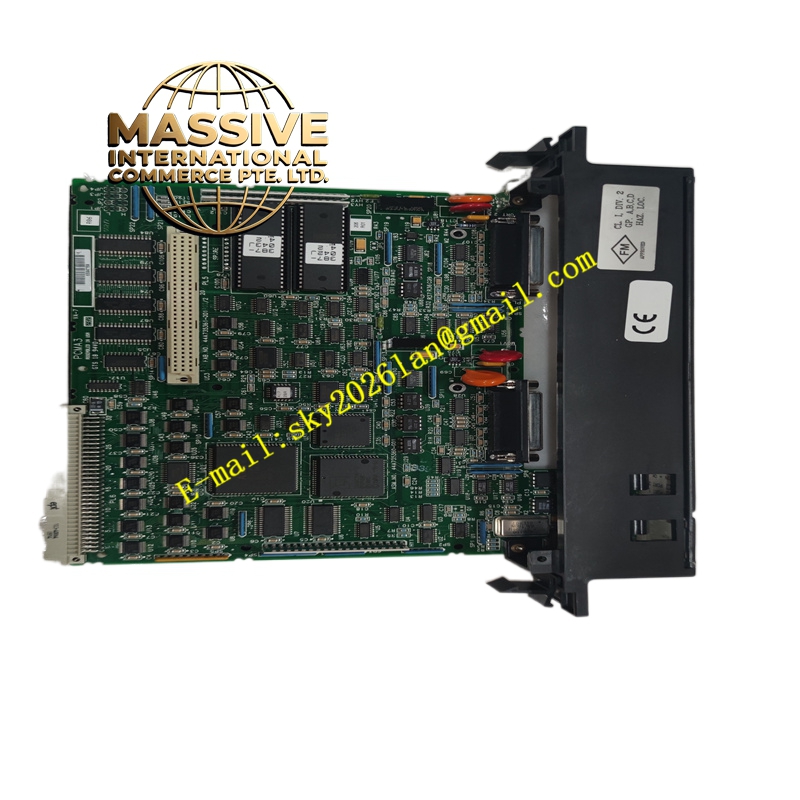
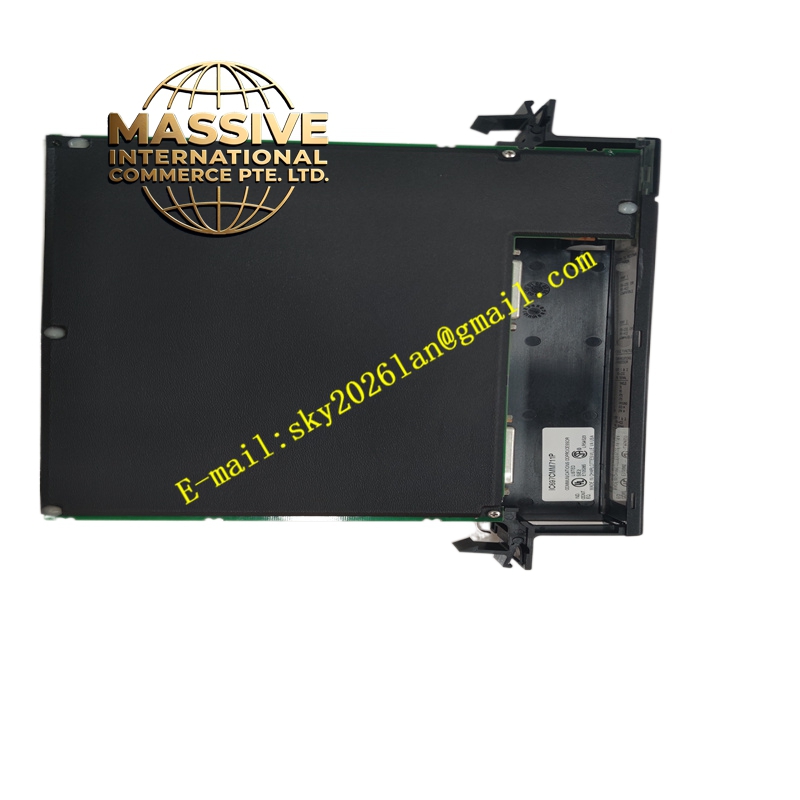
Description
GE IC697CMM711
Technical Specifications:
- Processor: 12 MHz 80C186 microprocessor
- Ports: Two serial ports supporting RS-232 and RS-485
- Supported Protocols: CCM, RTU, SNP (configurable per port)
- Configuration: Software-configurable; no DIP switches or jumpers
- Indicators: Three LEDs for module status and port activity
- Power: 5V DC from backplate; no battery required
- Operating Temperature: 0°C to 60°C
- Humidity: 5% to 95% non-condensing
Functional Features:
- Supports multiple communication modes: CCM/CCM, CCM/RTU, RTU/CCM, RTU/RTU, SNP/SNP, SNP/CCM, CCM/SNP, SNP/RTU, RTU/SNP.
- Offloads communication processing from the main CPU, improving overall system performance.
- Enables PLC communication with a wide range of devices such as HMIs, SCADA systems, and other PLCs.
Application Scenarios:
- Integrating PLCs with operator interfaces and supervisory systems.
- Data exchange between PLCs in distributed control systems.
- Connecting to serial-based devices such as bar-code readers and weigh scales.
Performance Parameters:
- Provides reliable serial communication at standard industrial baud rates.
- Handles multiple simultaneous connections without impacting CPU scan time.
Material and Structural Characteristics:
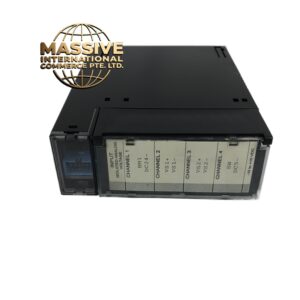
- Single-slot module with standard Series 90-70 form factor.
- Industrial-grade components and robust connectors.
Working Principle: The module processes serial communication independently using its onboard processor. It exchanges data with the PLC CPU via the backplane and manages protocol handling for connected serial devices. Installation Requirements:
- Install in any available slot in a Series 90-70 rack.
- Configure ports and protocols using the programming software.
- Connect field devices to the serial ports using appropriate cabling.
Usage Notes:
- Use shielded cables for RS-485 networks to reduce noise.
- Verify baud rate, parity, and stop bit settings match connected devices.
- Use port activity LEDs to diagnose communication issues.