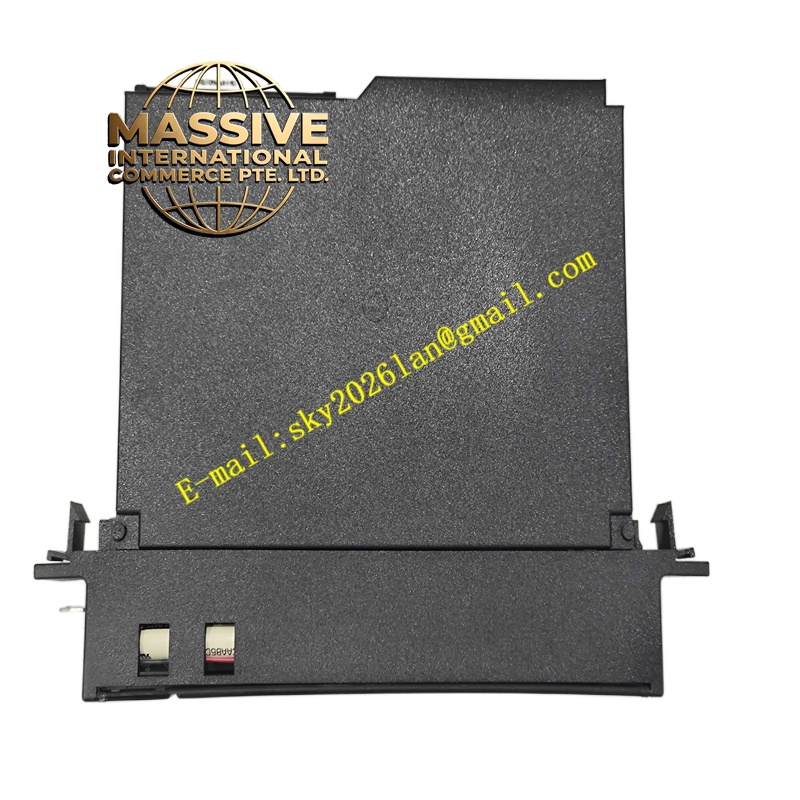
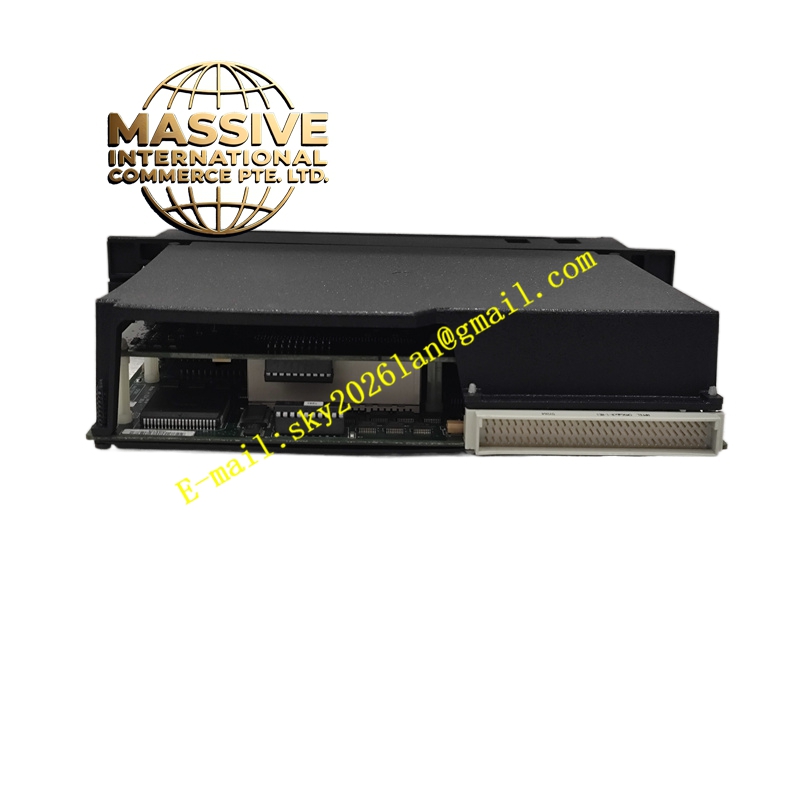
Description
GE IC697CPX928-FE
Technical Specifications:
- Function: Programmable Coprocessor with Ethernet interface
- Processor: High-performance CPU for executing user C applications
- Ethernet Interface: 10/100 Mbps (specific connector type depends on hardware revision)
- Programming: Supports C language programming for custom applications
- Memory: User memory for application code and data
- Compatibility: Works with Series 90-70 PLC systems and programming software
- Operating Temperature: 0°C to 60°C
- Humidity: 5% to 95% non-condensing
Functional Features:
- Allows execution of complex algorithms and custom tasks independent of the main CPU.
- Provides Ethernet connectivity for data exchange with external systems.
- Enhances system flexibility and performance with application-specific processing.
Application Scenarios:
- Advanced data processing and analysis within the PLC chassis.
- Custom protocol implementation or specialized communication tasks.
- Real-time computing applications requiring integration with plant networks.
Performance Parameters:
- Delivers high-speed computation and communication.
- Reduces load on the main CPU by offloading tasks.
Material and Structural Characteristics:
- Standard Series 90-70 single-slot or double-slot module form factor (depends on variant).
- Industrial-grade components for reliability.
Working Principle: The module runs user-developed C applications in its own memory space, exchanging data with the PLC via the backplane and communicating over Ethernet through its built-in interface. Installation Requirements:
- Install in an appropriate slot in a Series 90-70 rack.
- Load and configure C applications using the development tools.
- Configure Ethernet parameters to match network settings.
Usage Notes:
- Ensure proper software version compatibility with the main PLC CPU.
- Follow application development guidelines to avoid resource conflicts.