Description
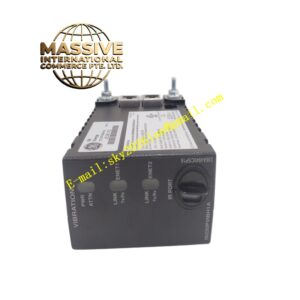
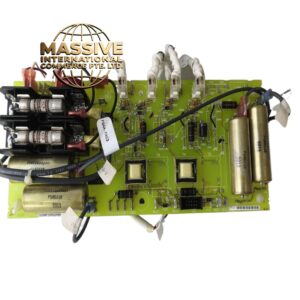
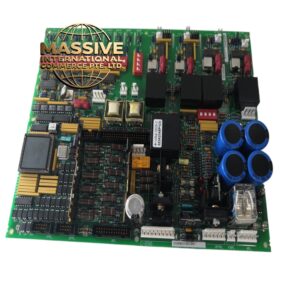
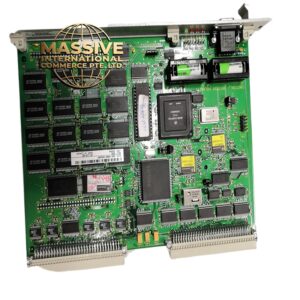
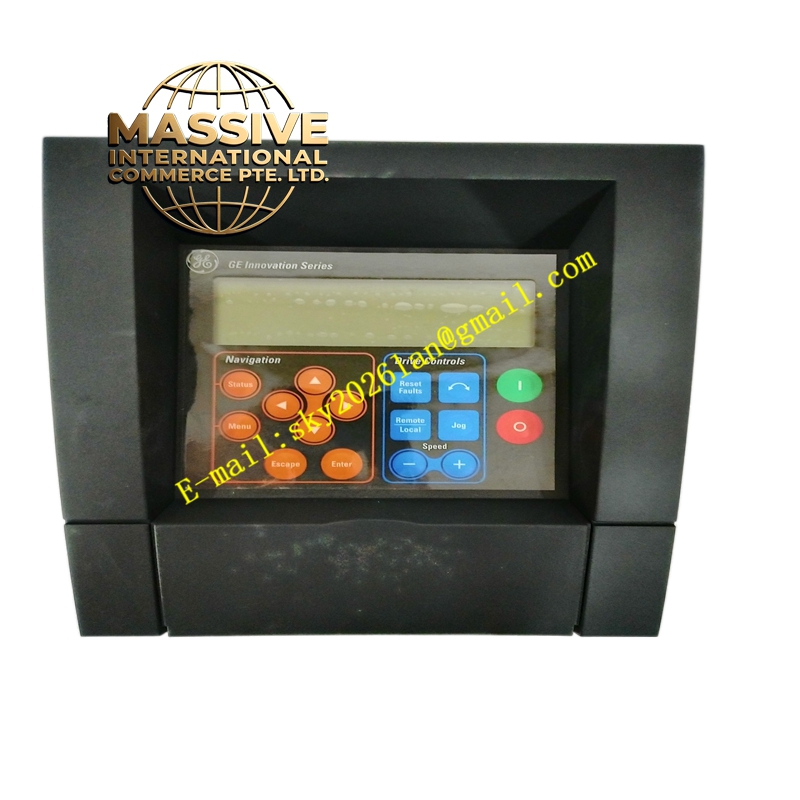
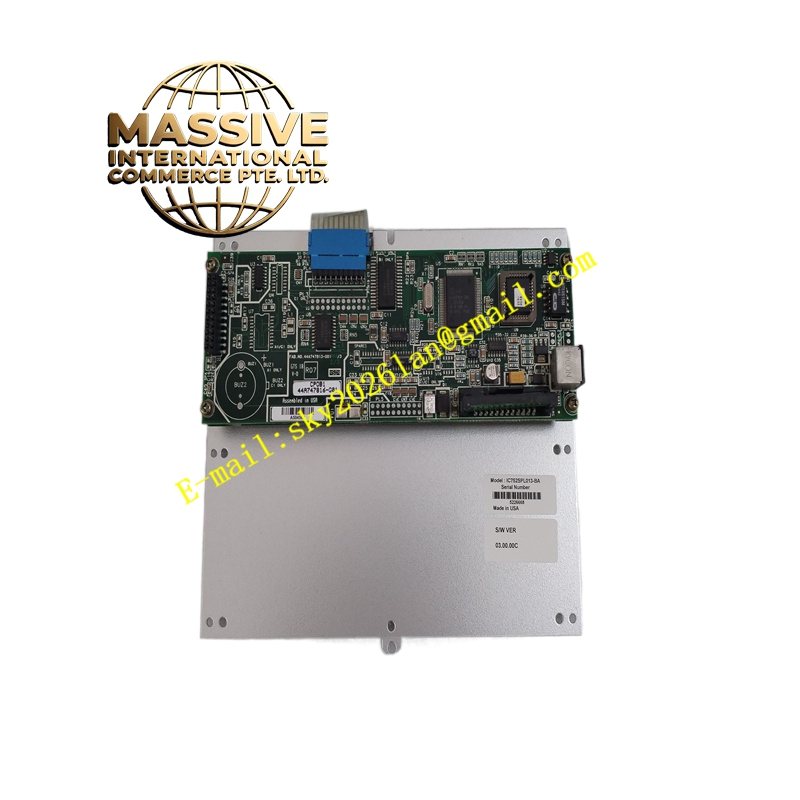
GE IC752SPL013
Technical Specifications:
- Display Size: 7 inches (typical)
- Resolution: 800 × 480 pixels
- Touch Type: Resistive touchscreen
- Interfaces: RS-232, RS-485, Ethernet
- Supply Voltage: 24 VDC
- Operating Temperature: -20 °C to +55 °C
- Dimensions: Approx. 200 mm × 150 mm × 50 mm
- Mounting: Panel mount
Functional Features:
- Intuitive user interface with touchscreen operation
- Multiple communication ports for connectivity to controllers and networks
- Support for multiple industrial protocols (e.g., Modbus, Ethernet/IP)
- Durable design for harsh industrial environments
- Scalable with optional expansion modules
Application Scenarios:
- Production line monitoring and control
- Machine visualization and operation
- Process control in manufacturing, energy, and transportation
- Building automation systems
Performance Parameters:
- Fast response to touch inputs for efficient operator interaction
- Reliable communication with minimal latency
- Robust processing for complex visualization tasks
Material and Structural Characteristics:
- Industrial enclosure designed to resist vibration, dust, and moisture
- High-quality display with protective coating
- Rugged connectors for field wiring
Working Principle: The panel runs HMI software, displaying graphics and data, and accepts operator inputs via the touchscreen. It exchanges data with PLCs or other controllers over serial or Ethernet connections, updating displays and sending commands. Installation Requirements:
- Cut panel opening to specified dimensions
- Secure unit using mounting brackets provided
- Connect 24 VDC power and communication cables
- Configure IP address and protocol settings in HMI software
Usage Notes:
- Use appropriate shielding for communication cables
- Avoid direct exposure to sunlight or extreme heat
- Periodically calibrate touchscreen if response drifts
- Keep display clean with recommended cleaning agents