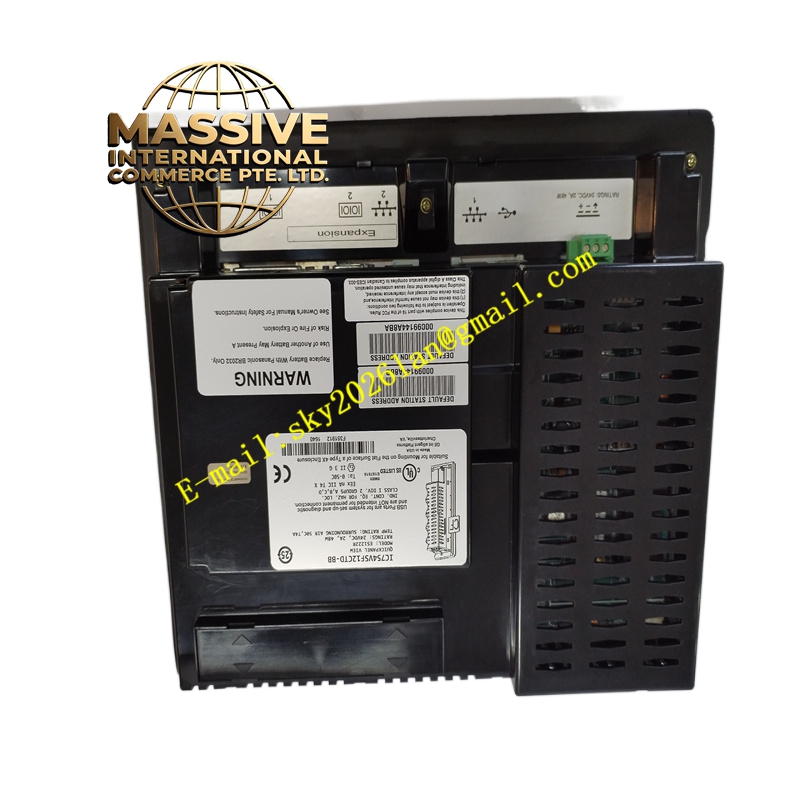
Description
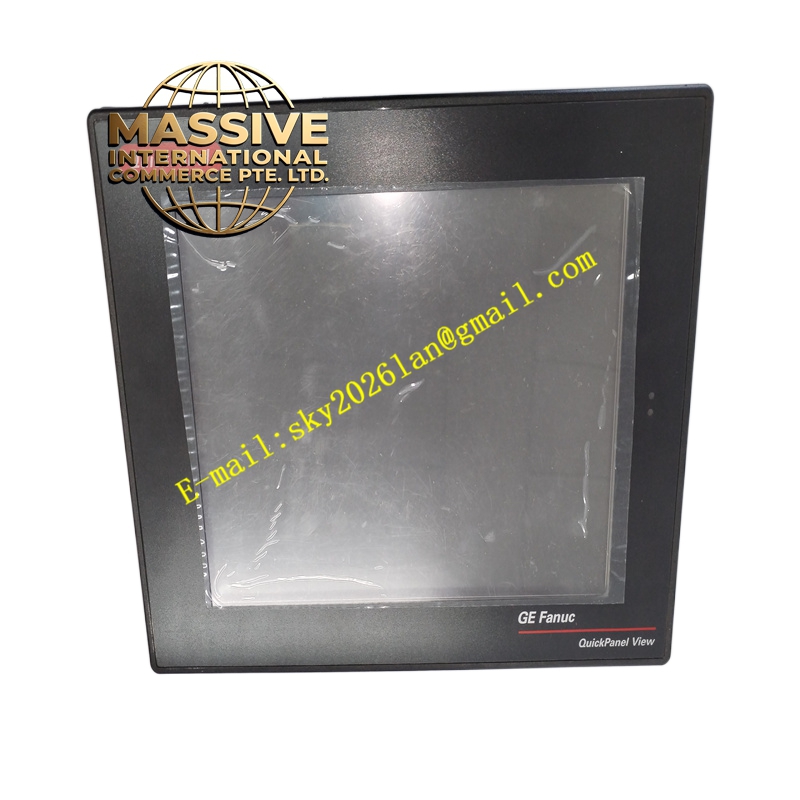
GE IC754VSF12CTD Technical Specifications:
- Display Size: 12.1-inch color TFT LCD.
- Resolution: 800 x 600 pixels with 65,536 colors (16-bit).
- Power Input: 24 VDC, typically consuming around 48W.
- Weight: Approximately 2.36 kg (5.2 lbs).
- Memory Expansion: Dedicated slot for memory expansion cards.
Functional Features:
- High-Visibility Display: Bright backlighting ensures readability in high ambient light conditions.
- Advanced Connectivity: Supports multiple simultaneous communication drivers.
- USB Port: Front-accessible USB for firmware updates, project transfers, and data export.
- Windows CE OS: Runs on a certified Windows CE platform for robust application execution.
Application Scenarios:
- Centralized control rooms and main operator consoles.
- Complex batch processing and recipe management.
- Large-scale manufacturing and automotive assembly plants.
Performance Parameters:
- Color Depth: 16-bit color for smooth gradients and detailed HMI graphics.
- Backlight Life: Long-life LED or CCFL backlighting with adjustable brightness.
- Processing Speed: High-performance processor for rapid screen rendering.
Material Composition & Structural Characteristics:
- Chassis: Heavy-duty metal rear housing for superior EMI shielding and heat sinking.
- Mounting: Integrated heavy-duty mounting clips for secure panel installation.
- Thermal Management: Internal heat sinks and optimized airflow paths.
Working Principle: Utilizing a high-speed processor and Windows CE OS, the panel executes compiled HMI projects. It continuously polls connected controllers, updates the graphical database, and refreshes the LCD matrix to reflect real-time process states.
Installation Requirements:
- NEMA Rating: Must be mounted in a panel that provides equivalent NEMA/IP protection to the rear of the unit.
- Ambient Temp: Ensure panel ventilation keeps the ambient air within specified operating limits.
- Cable Routing: Use shielded communication cables and maintain separation from VFD power cables.
Usage Precautions:
- Memory Management: Regularly clear unnecessary historical data to maintain optimal system performance.
- Firmware: Always back up the application project before performing firmware upgrades.
- Battery: Replace the internal CMOS battery if the system loses time/date settings after power loss