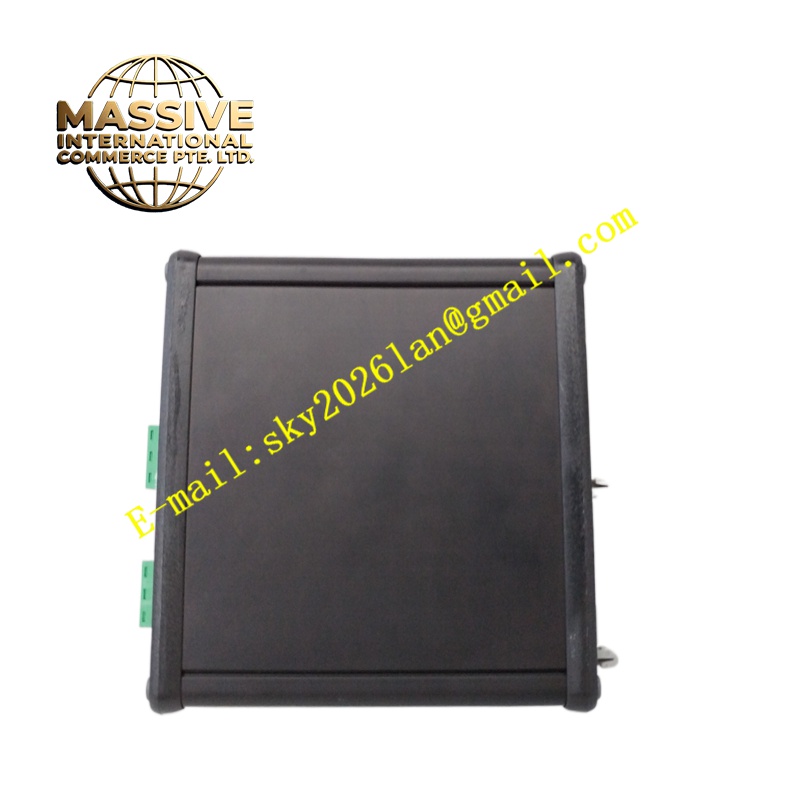
Description
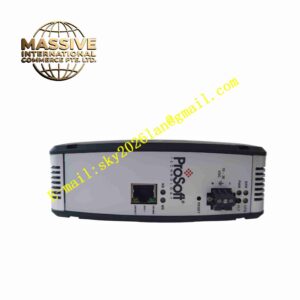
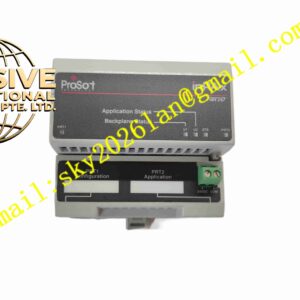
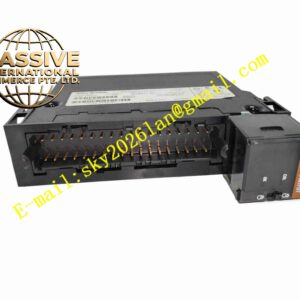
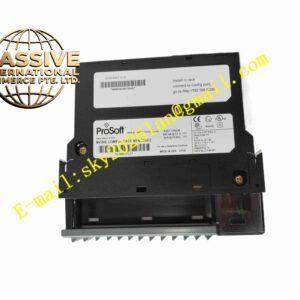
ProSoFt AN-X2-AB-DHRIO
Technical Specifications Ethernet 10/100Mbps auto-negotiation interface; Allen‑Bradley Remote I/O and DH+ protocol support; 24V DC power supply; operating temperature 0°C to +60°C; IP20 protection; support for RIO baud rate configuration; built-in web configuration page.
Functional Features Realize bidirectional data forwarding between Ethernet and Allen‑Bradley Remote I/O network. Act as a Remote I/O scanner to poll RIO adapters and collect input data, and output control data to field I/O modules. Support DH+ network node communication and data mapping. Provide web page for network address, baud rate and data table configuration. Diagnose communication status of each RIO node and report fault information. Support data mapping to Modbus TCP and other Ethernet host systems.
Application Scenarios Renovation of old Allen‑Bradley PLC production lines, automobile manufacturing assembly lines, material handling systems, packaging equipment upgrading projects, factory legacy DCS and PLC network integration.
Performance Parameters Deterministic data forwarding cycle; stable communication under long-distance RIO bus; fast fault detection of offline RIO nodes; high data mapping consistency between two networks.
Material Composition Main PCB uses FR-4 flame-retardant multilayer board; network processing chips are industrial communication semiconductors; isolation transformers are integrated on Ethernet port; outer housing is flame-retardant ABS plastic; terminal connectors use nickel-plated copper contacts.
Structural Characteristics DIN rail mount compact rectangular housing. Front panel has Ethernet port, RIO bus terminal block and status LED lamps for power, network and fault. Internal isolation circuit separates Ethernet side and RIO bus side electrically.
Working Principle The module works as a protocol translator. It scans each Remote I/O node on the AB RIO bus according to configured baud rate, reads input data and writes output data. It maps RIO data points to Ethernet registers, so that Ethernet-based controllers or SCADA software can access the legacy RIO data through Ethernet protocol.
Installation Requirements Install the module on standard DIN rail in control cabinet. Connect 24V DC power supply to power terminals. Wire the Remote I/O bus cable to the RIO terminal block, and connect Ethernet cable to the network port. Access the built-in web page via browser to configure RIO address, baud rate and data mapping table. Power on and verify communication with all RIO field adapters.
Precautions for Use Terminate the two ends of Remote I/O bus with matching terminal resistors. Do not mix high-voltage power cables with RIO signal cables. Record web configuration parameters for backup. Restart the module after modification of bus parameters.