Description
GE IC200EBI001 Technical Specifications:
- Network Type: 10Base-T Ethernet (RJ45).
- Supported Protocols: SRTP (Server), EGD (Producer/Consumer), and Modbus TCP (depending on firmware).
- Connections: Supports up to 8 concurrent SRTP connections.
- Data Exchange: EGD supports up to 32 configured data exchanges.
Functional Features:
- Network Expansion: Frees up the CPU’s serial ports for other devices like barcode scanners or printers.
- High-Speed Data Transfer: Enables rapid polling and large data block transfers.
- Time Synchronization: Supports EGD time synchronization for coordinated multi-PLC operations.
Application Scenarios:
- Systems requiring multiple HMI or SCADA client connections.
- Distributed control architectures where multiple PLCs need to share real-time data.
- Facilities transitioning from serial to Ethernet-based communication infrastructure.
Material Composition & Structural Characteristics:
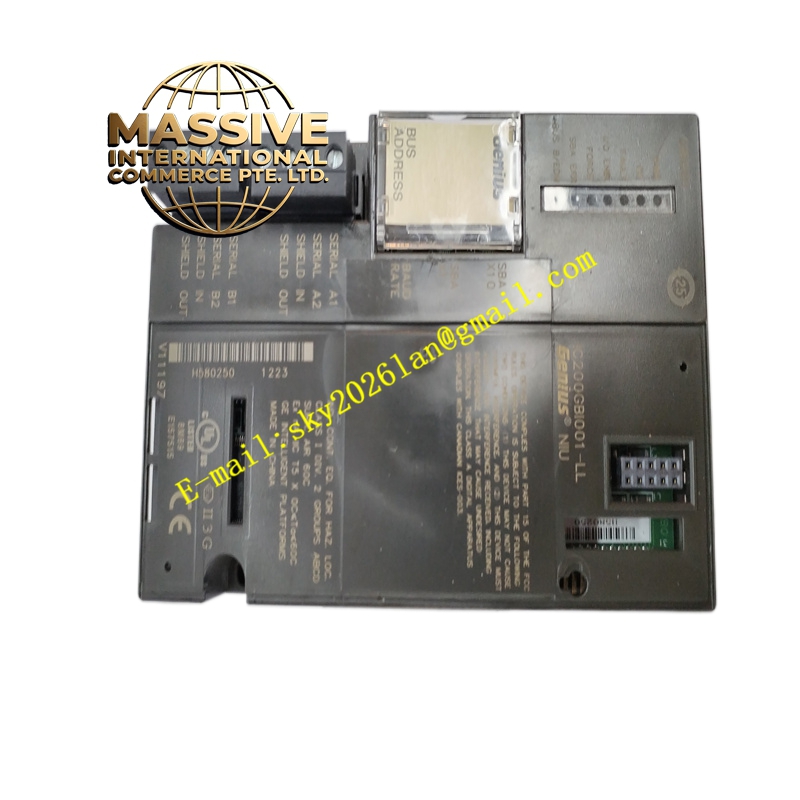
- Enclosure: Standard VersaMax module housing with front-panel status LEDs.
- Connectors: Integrated RJ45 jack with magnetic isolation for noise immunity.
Working Principle: The module connects to the VersaMax backplane and acts as an Ethernet gateway. It buffers data between the PLC’s internal memory and the Ethernet network, handling TCP/IP stack processing independently to minimize CPU overhead.
Installation Requirements:
- Slot Placement: Can be installed in any available slot in the VersaMax baseplate.
- Configuration: Must be configured using Proficy Machine Edition software to assign IP addresses and protocol parameters.
Usage Precautions:
- IP Conflicts: Ensure the module’s IP address does not conflict with other devices on the network.
- Cable Quality: Use high-quality, tested Ethernet cables to prevent intermittent communication failures.