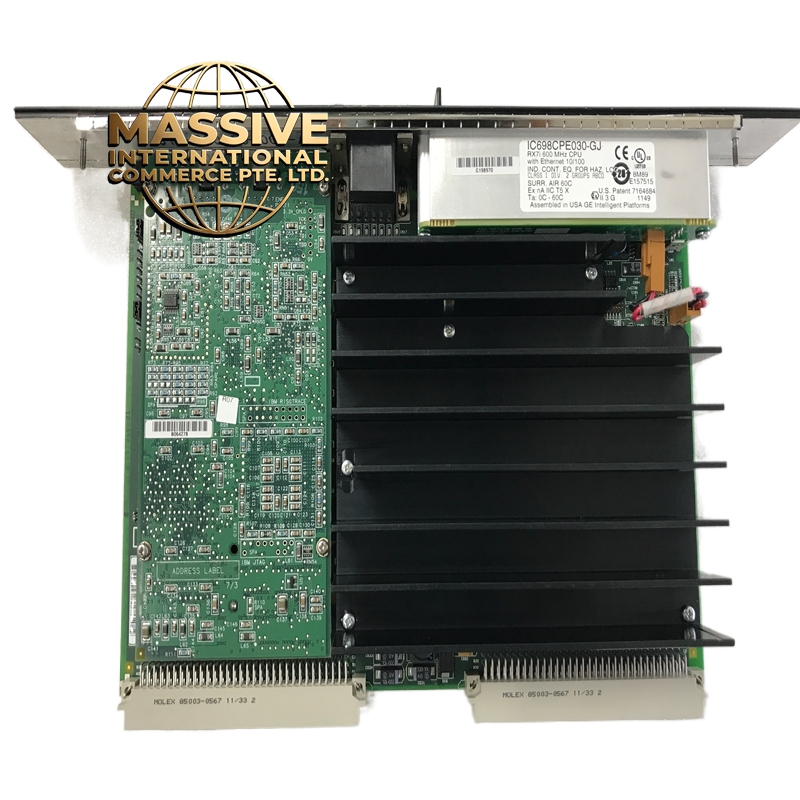
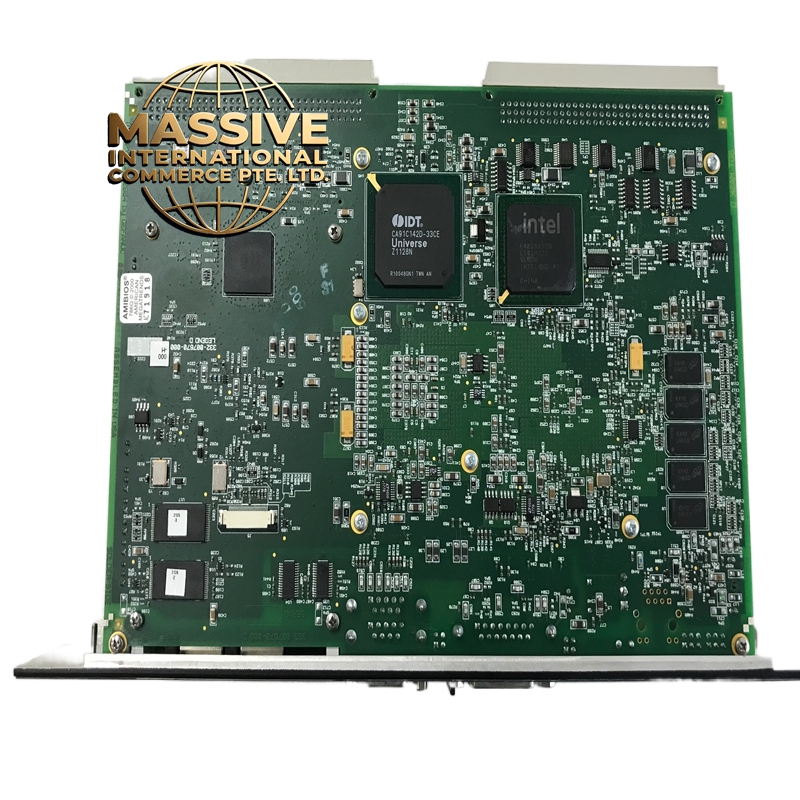
Description
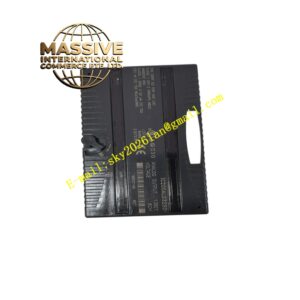
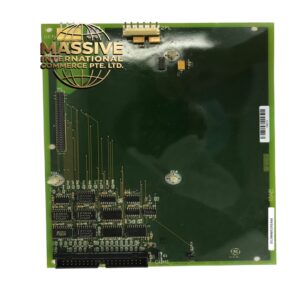
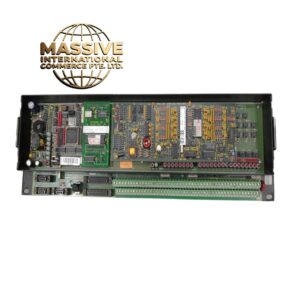
GE IC698CPE030-GK
- Technical Specifications:
- Ports: 2 x RJ-45 10/100Base-TX Ethernet
- Speed: 10/100 Mbps auto-negotiation
- Protocols: TCP/IP, UDP/IP, EtherNet/IP (implicit and explicit), Modbus TCP, SNMP v1/v2c/v3, HTTP, FTP, DHCP, DNS, Email
- Max Connections: 128 simultaneous TCP/IP connections
- Buffer Size: 64KB total (shared)
- Backplane Interface: IC698 90-70 backplane
- Power Supply: 5VDC from backplane (600mA typical)
- Operating Temperature: 0°C to 60°C
- Dimensions: Standard IC698 module form factor
- Functional Features:
- Dual-port Ethernet with built-in 2-port switch — both ports active simultaneously
- EtherNet/IP adapter — full compatibility with Rockwell/Allen-Bradley EtherNet/IP networks
- Peer-to-peer messaging between 90-70 PLCs
- Embedded web server for diagnostics and configuration
- SNMP v3 support with encryption and authentication
- Supports firmware upgrades via Ethernet (TFTP/FTP)
- 6 LED indicators (3 per port: Link, Activity, Fault)
- Application Scenarios:
- SCADA/HMI communication over dual Ethernet networks
- Redundant Ethernet paths for critical applications
- Peer-to-peer data exchange between multiple 90-70 PLCs
- EtherNet/IP network integration (Allen-Bradley interoperability)
- Modbus TCP gateway for third-party devices
- Remote programming and diagnostics via two independent network paths
- Performance Parameters:
- Throughput: Up to 90 Mbps (TCP) per port
- Latency: <1ms local network, <10ms WAN
- Packet Size: 64 to 1518 bytes
- Isolation: Magnetic isolation (transformers) on each port
- ESD Protection: ±8kV contact (IEC 61000-4-2)
- EMC Compliance: EN 61131-2, FCC Part 15 Class A, CE Mark
- Material Composition:
- Housing: UL94 V-0 polycarbonate/ABS blend
- PCB: 6-layer FR-4, conformal coating
- Connectors: RJ-45 magnetic jacks with integrated pulse transformers, gold-plated backplane edge connector
- Isolation: Pulse transformers per port for galvanic isolation
- LEDs: Green (Link), Yellow (Activity), Red (Fault) — 3 per port
- Structural Features:
- Standard IC698 module width
- 2 RJ-45 Ethernet ports on front panel
- 6 LED status indicators (3 per port)
- DIN-rail or chassis mount
- Backplane connector with keying for correct orientation
- Working Principle:
- The module contains a dedicated dual-port Ethernet controller ASIC with an integrated TCP/IP stack and a hardware 2-port switch. The GE CPU sends data to the module via the 90-70 backplane bus. The Ethernet controller encapsulates data into TCP/IP or UDP/IP packets. The built-in switch routes packets to the appropriate RJ-45 port. Incoming packets from either port are decapsulated and the payload is written to dual-port RAM, which the CPU reads via the backplane. The EtherNet/IP stack runs on the module’s internal processor, handling implicit (I/O) and explicit (messaging) EtherNet/IP traffic.
- Installation Requirements:
- Mount in IC698 chassis (90-70 CPU rack)
- Connect Ethernet cables (Cat5e or better, shielded recommended) to both RJ-45 ports
- Configure IP addresses, subnet masks, and gateways via PLC programming software
- Enable both Ethernet ports in the CPU configuration
- Use shielded cable in high-EMI environments, ground shield at one end only
- For redundant networks, configure each port on a different subnet
- Usage Precautions:
- Use only Cat5e or Cat6 shielded twisted-pair cable
- Do not exceed 100 meters per cable segment
- Set unique IP addresses for each port if on the same subnet
- Enable the switch function only when both ports are on the same subnet
- Do not connect directly to the internet without a firewall
- Update firmware regularly for security patches
- Verify EtherNet/IP configuration matches the Rockwell master (if integrating with Allen-Bradley)
- Do not mix shielded and unshielded cables on the same port