Description
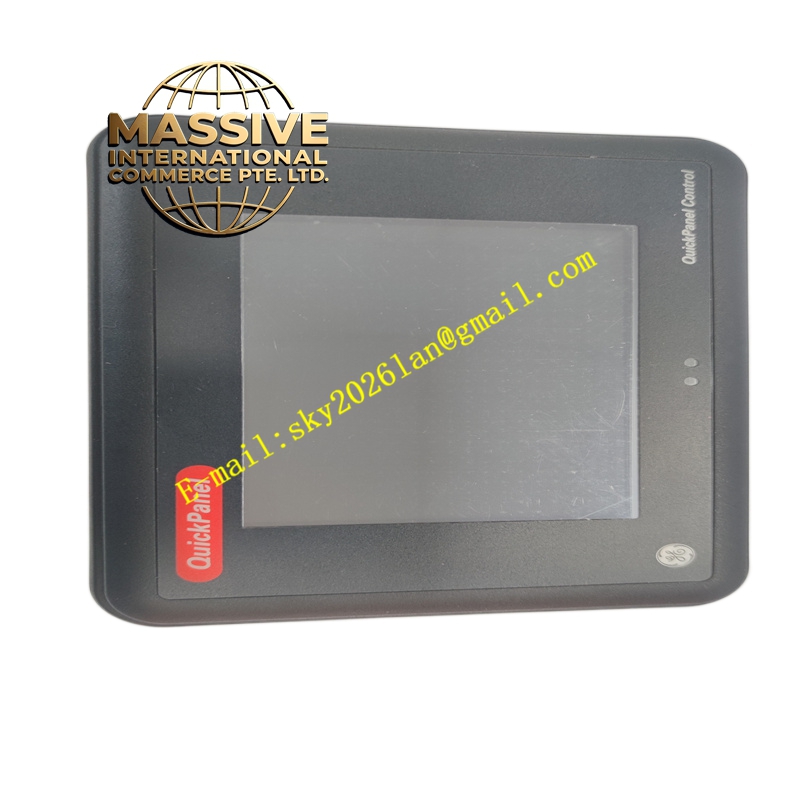
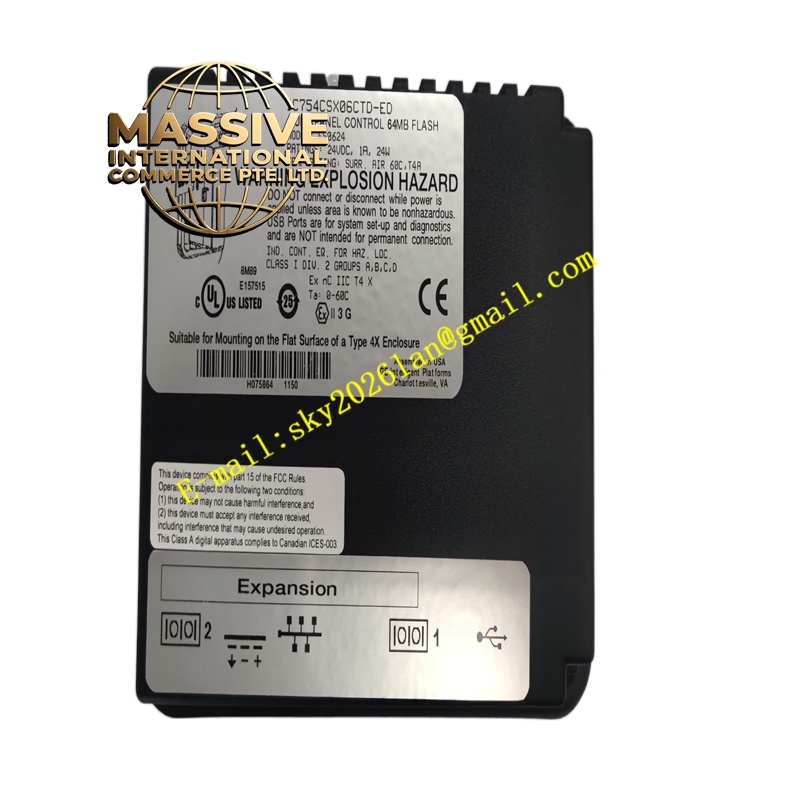
GE IC754CSX06CTD
Technical Specifications:
- Display: 6-inch color touchscreen
- Resolution: 640 × 480 pixels (typical)
- Processor: Intel XScale PXA255 (400 MHz) or similar
- Memory: 64 MB DRAM divided between OS, object storage, and application storage; 512 KB battery-backed SRAM for data retention
- Storage: 16 MB Flash containing OS; supports expansion via CompactFlash
- Interfaces: Ethernet, RS-232, RS-485, USB ports
- Supply Voltage: 24 VDC
- Operating Temperature: 0 °C to 50 °C (varies by variant)
- Operating System: Microsoft Windows CE.NET
Functional Features:
- All-in-one design reduces external components
- Battery-backed SRAM preserves critical data during power loss
- Multiple standard ports for easy connection to industrial equipment
- Supports Proficy Machine Edition for application development
Application Scenarios:
- Machine operator interfaces and control terminals
- Small to medium HMI applications requiring integrated control
- Packaging, textile, and general manufacturing automation
- Remote monitoring and data logging stations
Performance Parameters:
- Sufficient processing power for complex graphics and data handling
- Fast startup and reliable operation
- Low power consumption suitable for enclosure mounting
Material and Structural Characteristics:
- Rugged enclosure designed for industrial environments
- Front panel rated for washdown and exposure to dust (IP65 where specified)
- High-quality touchscreen and connectors for durability
Working Principle: The unit runs HMI applications under Windows CE, displaying graphics and accepting operator input. It communicates with PLCs and other devices via serial or Ethernet ports, exchanging data for monitoring and control. Installation Requirements:
- Panel mount to appropriate cutout dimensions
- Connect 24 VDC power and communication cables
- Configure network settings and load applications via USB or network
- Ensure adequate ventilation for enclosed installations
Usage Notes:
- Regularly back up applications and data stored in SRAM
- Use approved cleaning methods for touchscreen and enclosure
- Check battery status for SRAM backup functionality
- Update OS and application software per vendor recommendations