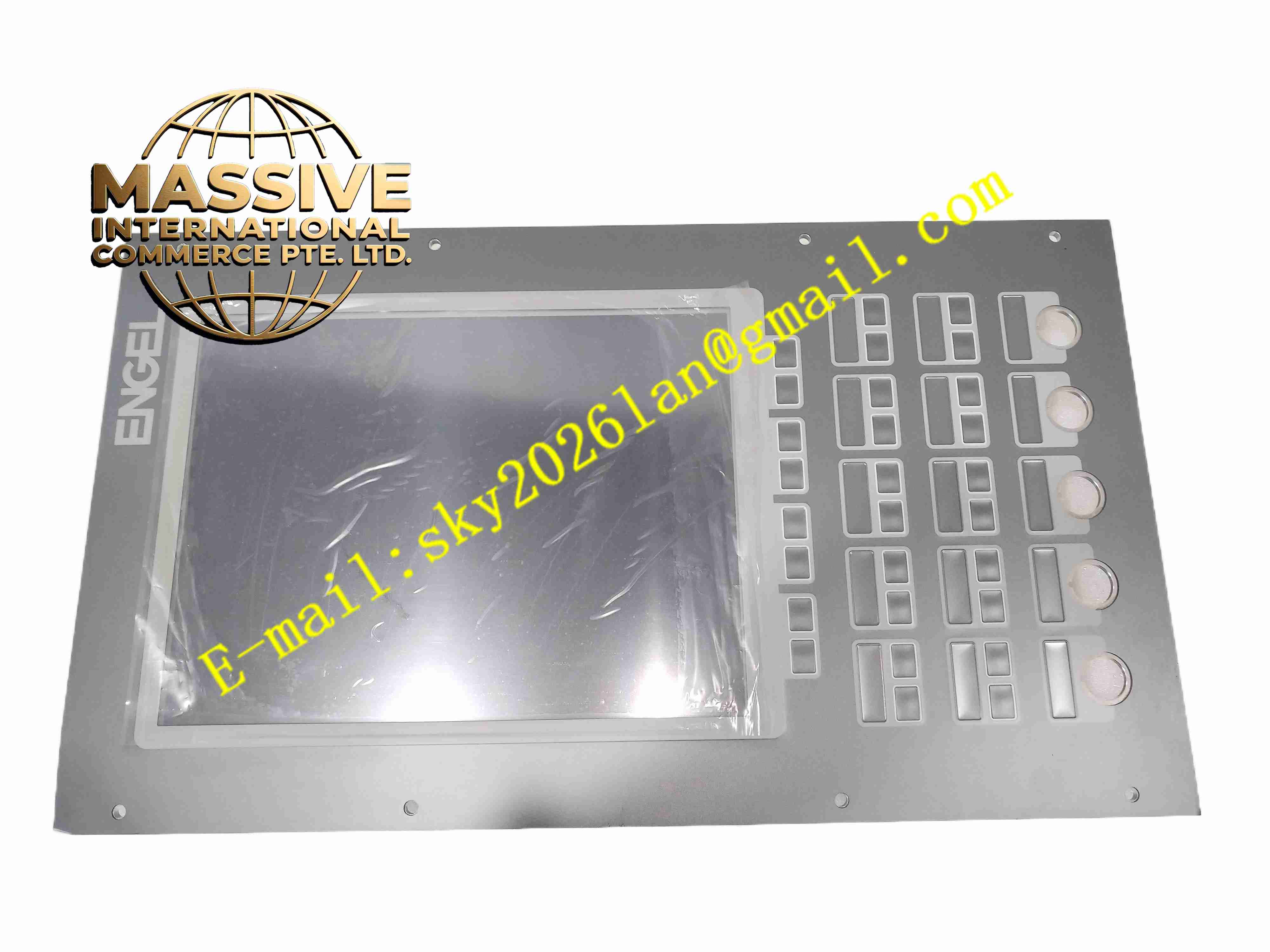
Description
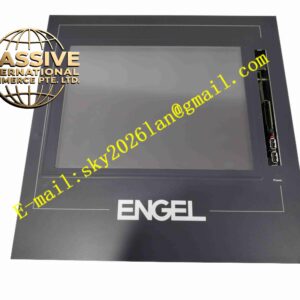
KEBA OP362-LDW-5200
Technical Specifications
- Brand: KEBA
- Product Family: KEBA OP series operator panel
- Model: OP362-LDW-5200
- Device Type: Industrial HMI / operator panel
- Display: Color or monochrome graphical display depending on variant
- Input Method: Membrane keypad, function keys, and/or touch screen depending on configuration
- Communication Interfaces: Serial, Ethernet, CAN, or KEBA system bus interfaces depending on version
- Mounting: Panel mounting in control cabinet doors or machine operator stations
- Protection Rating: Industrial enclosure rating; exact IP class depends on the specific variant
- Power Supply: Typically 24 V DC for industrial HMI panels; confirm from nameplate
- Operating Temperature: Industrial range suitable for machine environments; exact limits depend on the model variant
Functional Features
- Machine visualization: Displays process values, machine status, and operating modes.
- Alarm management: Shows warnings, faults, and diagnostic messages.
- Recipe handling: Stores and recalls machine parameters for different products.
- Manual operation: Provides keys or touch elements for jog, start, stop, and mode selection.
- User management: Supports operator levels and access rights depending on software configuration.
- Trend display: Shows historical process data when supported by the controller.
- Multilingual support: Allows different language sets for international machines.
- Diagnostics: Provides communication status, system messages, and maintenance information.
Application Scenarios
- Injection molding machines
- Robotics operator stations
- Packaging and labeling machines
- Material handling and conveyor systems
- Plastic processing equipment
- Special-purpose automation machines
- KEBA controller-based production lines
Performance Parameters
- Display Performance: Graphical display with configurable screens and alarms
- Response Behavior: Determined by controller communication cycle and HMI update rate
- Communication: Connects to KEBA controllers through supported fieldbus or system interfaces
- Data Logging: Supports trend recording and alarm history depending on configuration
- Operating Life: Designed for continuous industrial use
- Environmental Resistance: Suitable for control cabinet doors and protected machine areas
Material Composition
- Front Foil/Bezel: Industrial membrane foil or plastic front frame
- Display Module: LCD or TFT display with backlight
- Housing: Plastic rear housing with metal or plastic mounting frame
- Electronics: Mainboard, power supply circuit, communication interfaces, and memory
- Sealing: Gasket or sealing frame for front-side protection
Structural Features
- Panel-mount design: Installs into a cutout in the control cabinet door.
- Front protection: Sealed front side protects against dust and splash water depending on IP rating.
- Function keys: Dedicated keys for machine-specific operations.
- Display window: Clear viewing area for process visualization.
- Rear connectors: Communication and power connections located on the rear side.
- Compact industrial housing: Optimized for machine integration.
Working Principle
The OP362-LDW-5200 communicates with a KEBA controller or automation system through a fieldbus or system interface. It receives process data such as temperatures, pressures, positions, speeds, and machine states, then displays them on the screen. Operator inputs from keys or touch elements are sent back to the controller. The panel also manages alarms, recipes, user authorization, and diagnostic messages. During operation, it acts as the primary interface between the machine operator and the automation system.
Installation Requirements
- Cut the cabinet door opening according to the official mounting dimensions.
- Install the provided mounting clamps to secure the panel from the rear.
- Verify the supply voltage and polarity before connecting power.
- Connect the communication cable to the correct KEBA controller interface.
- Use shielded communication cables where required.
- Ensure the cabinet door surface is flat and clean to maintain front sealing.
- Download the correct visualization project and communication settings before commissioning.
Precautions for Use
- Do not use sharp objects or abrasive cleaners on the display or front foil.
- Do not exceed the rated supply voltage.
- Avoid installing the panel in locations with direct sunlight, excessive heat, or condensation.
- Verify communication settings if the panel does not connect to the controller.
- Do not remove the panel during operation unless maintenance procedures allow it.
- Back up visualization projects and recipe data before replacing the unit.
- For exact display size, resolution, interface types, IP rating, power consumption, and mounting cutout, refer to the official KEBA OP362-LDW-5200 documentation.