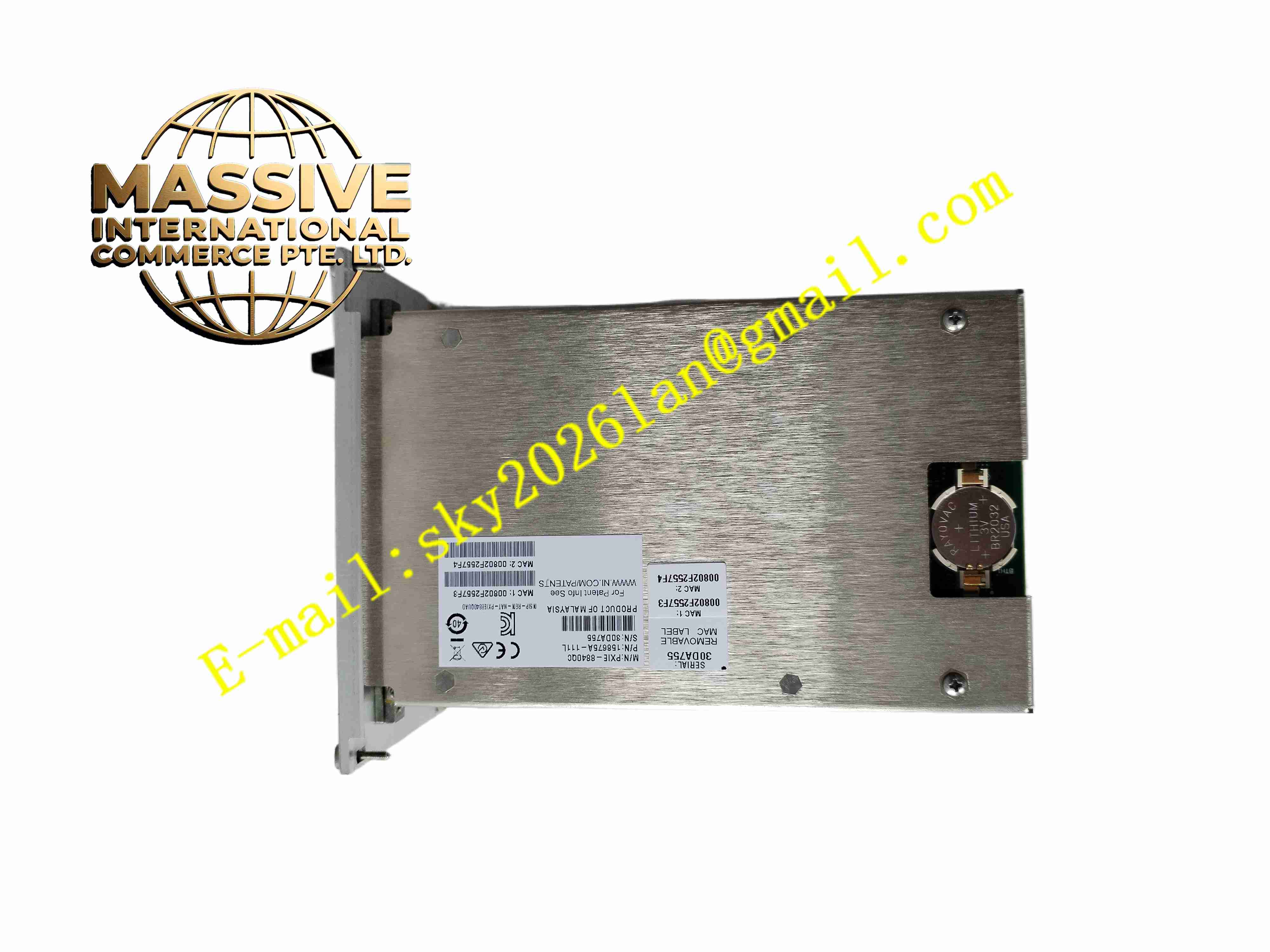
Description
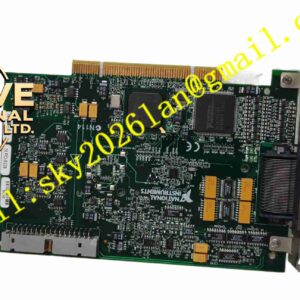
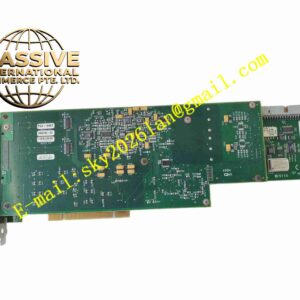
NI PXIe-8840
Technical Specifications
- Product type: PXI Express embedded controller
- Processor: Intel Core i5 multi-core
- Memory: DDR3, up to 8 GB
- Storage: SATA hard drive or SSD
- Bus: PXI Express system controller
- Front I/O: Dual Gigabit Ethernet, USB, DVI, GPIB, serial
- OS: Windows
- Supply: PXI chassis backplane
- Operating temperature: 0 °C to +55 °C
- Storage temperature: -20 °C to +70 °C
- Humidity: 10 % to 90 %, non-condensing
- Installation: PXI controller slot
- Cooling: Chassis forced air
- Certification: CE
Functional Features
- Multi-core Intel Core i5 processor
- PXI Express system controller
- Multiple built-in peripheral interfaces
- Windows operating system
- LabVIEW and NI driver support
- High-speed backplane communication
- GPIB and serial legacy instrument control
- Dual Gigabit Ethernet
- Reliable industrial test platform
- Modular instrument synchronization
Application Scenarios
- General automated test system
- Laboratory data acquisition platform
- Rack-mounted measurement system
- Electronic component production test
- University and research lab PXI platform
Materials and Construction
- Front panel: Metal
- PCB: FR4 computer board
- CPU: Intel Core i5
- Memory: DDR3 SO-DIMM
- Storage: SATA HDD or SSD
- Connectors: RJ45, USB, DVI, GPIB, serial
- Cooling: Front fan assembly
Structural Features
- PXI controller slot form factor
- Front panel ports and LEDs
- Integrated fan
- Rear backplane connector
- Internal CPU, chipset, memory, storage
- Vibration-isolated hard drive mount
- Metal panel shielding
Working Principle The controller boots Windows from internal storage. It communicates with all PXI modules through the backplane PCI Express bus. Test programs call NI-VISA or LabVIEW drivers to configure instruments, read waveforms, and output signals. Front ports connect external peripherals. Forced air from the chassis flows across the controller to maintain operating temperature.
Installation Requirements
- Insert into PXI chassis controller slot with power off
- Connect monitor, keyboard, mouse, and LAN cable
- Rack mount chassis with ventilation clearance
- Temperature 0 °C to +55 °C
- Install NI driver software and test application
- Chassis ground connection
- Ensure front fan intake is unobstructed
Precautions
- Power off chassis before inserting or removing controller
- Do not block fan airflow
- ESD precautions during handling
- Periodically clean fan filter
- Back up system image regularly
- Store spare in anti-static packaging
- Avoid dropping or shocking the hard drive
- Verify all instrument modules are recognized in NI-MAX after boot