Description
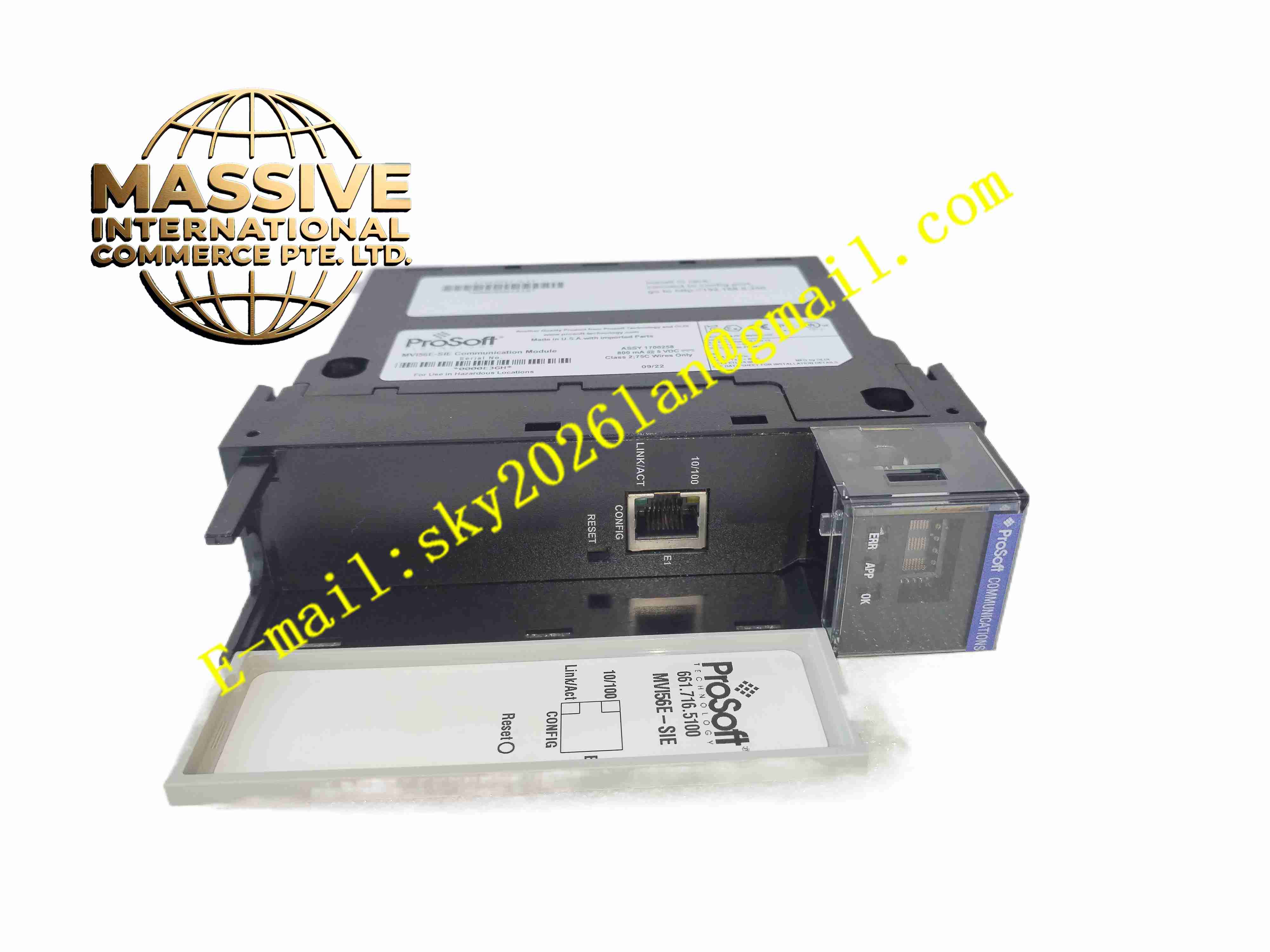
ProSoFt MVI56E-SIE
Technical Specifications: Chassis: 1756 ControlLogix single slot Backplane bus: ControlLogix backplane Ethernet ports: Dual 10/100 Mbps RJ45 ports, auto crossover detection Operating temperature range: 0℃ ~ +60℃ Storage temperature range: -40℃ ~ +85℃ Humidity: 5% ~95%, non-condensing Max Siemens server connections: Up to 20 S7 PLCs User data memory: Up to 5000 16-bit register words Configuration software: ProSoft Configuration Builder Protection grade: IP20
Functional Features: Act as Ethernet client to establish communication with Siemens S7 series PLC servers. Support simultaneous connection to maximum 20 Siemens S7 PLC devices. Scheduled I/O data transmission for fast and stable data exchange with ControlLogix CPU. Local and remote configuration and fault diagnosis via module Ethernet port. Real-time communication error detection and fault log storage function. LED indicators to display Ethernet, backplane and module fault state. Support ladder logic to enable or disable communication commands dynamically.
Application Scenarios: Cross-brand PLC interconnection projects, automobile manufacturing production lines, logistics conveying automation, power plant interlock control, chemical factory mixed brand control system, building automation system, upgrading reconstruction projects of mixed Rockwell and Siemens control equipment.
Performance Parameters: Concurrent connection capacity: Support 20 Siemens S7 PLC server connections at the same time. Data refresh performance: High-speed scheduled I/O data transmission with ControlLogix controller. Diagnostic function: Real-time capture communication abnormal information of each S7 connection channel. Continuous operation: 24 hours stable continuous operation in standard control cabinet environment. Data mapping: User configurable data mapping between S7 memory area and ControlLogix tags.
Material Composition: PCB substrate: FR4 glass fiber epoxy high reliability printed circuit board. Core chips: Industrial communication processor, dual Ethernet transceiver chip, non-volatile memory chip. Front panel: Black flame retardant ABS plastic with LED indicator windows and dual RJ45 sockets. Backplane connector: Gold plated copper alloy contact pins. Ethernet socket: PA66 flame retardant plastic housing.
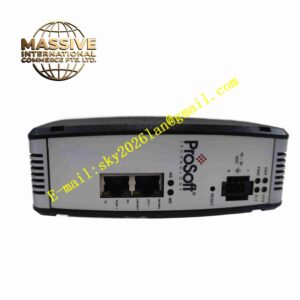
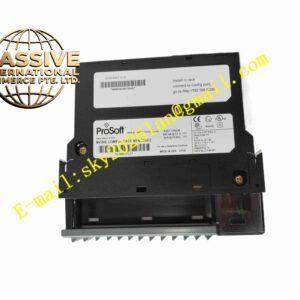
Structural Features: Standard 1756 single-slot rectangular plug-in module. Front panel with two independent 10/100Mbps Ethernet RJ45 ports and multi-group LED indicators. Internal circuit divided into backplane interface unit, dual Ethernet communication unit and data storage unit. Mechanical locking buckle to fix module in chassis slot. Internal electromagnetic isolation design to reduce network signal interference.
Working Principle: The module obtains working power through ControlLogix chassis backplane. It establishes S7 protocol Ethernet connection as client to multiple Siemens S7 PLC servers. It reads and writes data blocks, input and output memory area of Siemens PLC, and maps the exchanged data to ControlLogix controller tag area via backplane scheduled I/O channel. The module monitors each Ethernet link state, records communication faults, and supports parameter configuration and diagnosis access via its own Ethernet port.
Installation Requirements: Power off ControlLogix chassis before inserting or removing module. Insert MVI56E-SIE module into empty single slot of 1756 chassis and lock mechanical latch. Use shielded industrial Ethernet cable to connect module Ethernet ports to network switch. Set module IP address, S7 server IP and data mapping parameters by ProSoft Configuration Builder software. Ensure cabinet protective earth ground connection is reliable. Reserve air gap between adjacent modules for heat dissipation.
Usage Notes: Do not plug or unplug module when chassis backplane is powered on. Backup module configuration file before firmware upgrade or parameter modification. Use industrial shielded Ethernet cable for long-distance network wiring. Check Ethernet cable connection and LED status regularly during maintenance. Wear anti-static wristband when contacting module circuit board. Do not operate module beyond specified temperature and humidity range.